Key takeaways
- Android 17 introduces universal desktop windowing via Bubbles for all apps.
- Wear OS 7 boosts battery life by 10% while adding Live Updates.
- Android XR standardizes spatial computing using ARCore and Jetpack Compose XR.
- “Continue On” enables seamless cross-device task handoff from phone to tablet.
- Enterprise TCO drops as developers use a single codebase for mobile, wearables, and XR.
The release of the Android 17 Ecosystem marks a fundamental shift in how Google approaches cross-device continuity, spatial computing, and enterprise mobility. On June 16, 2026, Google officially initiated the rollout of Android 17 to compatible Pixel devices (Pixel 6 and newer), alongside the deployment of Wear OS 7 for the Pixel Watch lineup and the opening of $99 reservations for the Xreal Aura—the latest hardware entry in the Android XR platform. This is not merely an iterative software update; it is a unified architectural convergence. By standardizing the underlying frameworks across mobile, wearables, and extended reality, Google is aggressively targeting the fragmented hardware landscape that has historically plagued Android deployments.
The Architectural Reality of the Android 17 Ecosystem
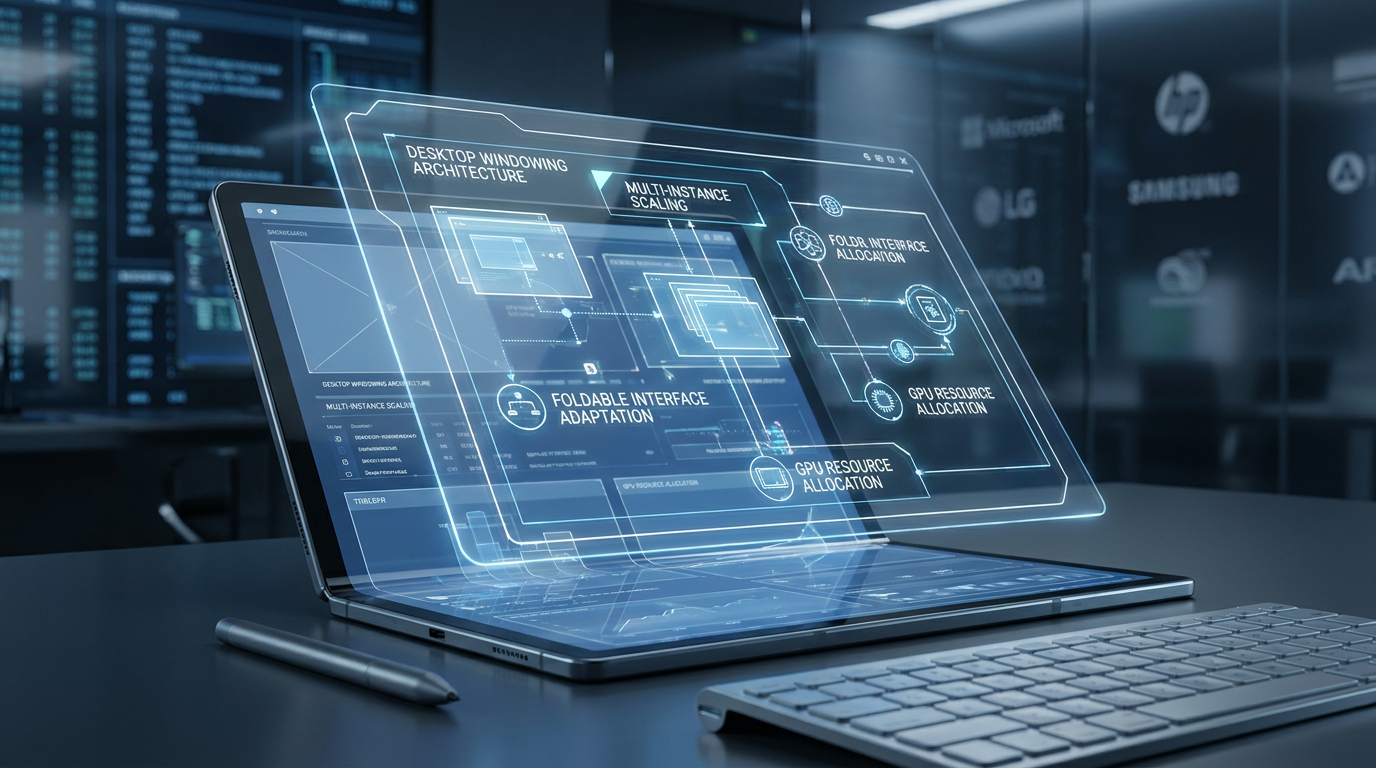
To understand the magnitude of this release, we must examine the core of Android 17. The most significant structural change is the expansion of the Bubbles API. Previously restricted to chat and messaging notifications since its introduction in Android 11, Android 17 fundamentally rewrites the window manager. Now, any application can be launched in a floating window, enabling true desktop windowing on foldables and tablets. The system now overrides legacy manifest settings that developers previously used to lock apps to full-screen or fixed orientations. This means legacy enterprise applications can be windowed without requiring a massive codebase rewrite.
Furthermore, Android 17 introduces “Continue On,” a cross-device continuity protocol that mirrors Apple’s Handoff. It allows state preservation across devices. If a user is filling out a complex form in a CRM on their phone, they can open their tablet and click the Continue On icon in the dock to resume the exact session. While currently unidirectional (phone to tablet), the underlying architecture paves the way for a fully fluid ecosystem.
On the security and hardware integration front, Android 17 introduces NIST Post-Quantum Cryptography (PQC) standards deep into the platform, establishing a quantum-resistant chain of trust. Additionally, Google introduced Pixel Glow—a hardware-software integration that uses subtle light and color on the back of the device to indicate Gemini AI activity or priority notifications when the phone is face down. Coupled with one-time location data sharing, Android 17 significantly hardens zero-trust architectures.
Market Impact & Deployment
For Enterprise IT leaders, the ROI of this ecosystem convergence is measured in developer hours saved and reduced Total Cost of Ownership (TCO). Historically, deploying a corporate application across phones, smartwatches, and AR headsets required three distinct development silos. With the Android 17 ecosystem, Jetpack Compose is the universal standard.
To understand this shift, consider global logistics. Previously, shipping a product by air, sea, and land required entirely different containers, manifests, and handling protocols. Android 17, Wear OS 7, and Android XR act as a universal shipping container. Whether the data is being routed to a 6-inch phone screen, a 1.5-inch smartwatch, or a 360-degree spatial headset, the underlying ‘container’ (Jetpack Compose and the Android kernel) remains identical. This eliminates the need for custom repackaging at every endpoint.
The multi-instance support in Android 17’s desktop windowing allows employees to run two instances of the same application side-by-side (e.g., comparing two different supply chain manifests). The PROPERTY_SUPPORTS_MULTI_INSTANCE_SYSTEM_UI flag enables this natively, drastically improving productivity on large-screen devices without requiring third-party virtualization software.
Wear OS 7 and the Edge Compute Paradigm
Wear OS 7, rolling out to Pixel Watch 2, 3, and 4, represents a maturation of wrist-based computing. The headline feature is “Live Updates,” which bridges real-time status information—such as deliveries, sports scores, and flight boarding times—directly from the phone to the watch. Architecturally, this replaces the older Ongoing Activities API. OEMs can configure how these updates bridge to conserve battery, ensuring that data is pushed only when relevant.
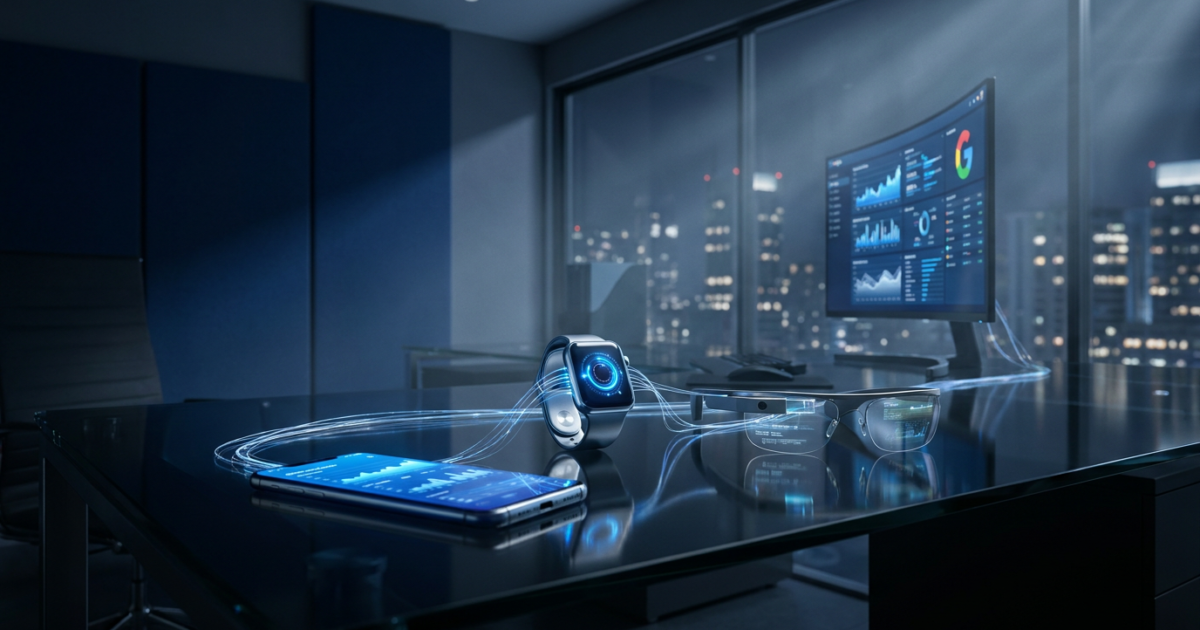
Speaking of battery, Wear OS 7 delivers a claimed 10% improvement in battery life over Wear OS 6. This is achieved through stricter background execution limits and more efficient rendering of the new “Wear Widgets.” These widgets replace the older Tiles architecture, aligning perfectly with Android’s standard 2×1 and 2×2 grid dimensions. Furthermore, Gemini Intelligence is being integrated locally on select watches, processing AI tasks on the edge rather than relying entirely on cloud round-trips. The new Create My Widget function lets users build custom dashboards using natural language, while connected device control now allows users to manage their earbuds or Google’s Android XR smartglasses directly from their wrist.
Android XR: Spatial Computing Standardized
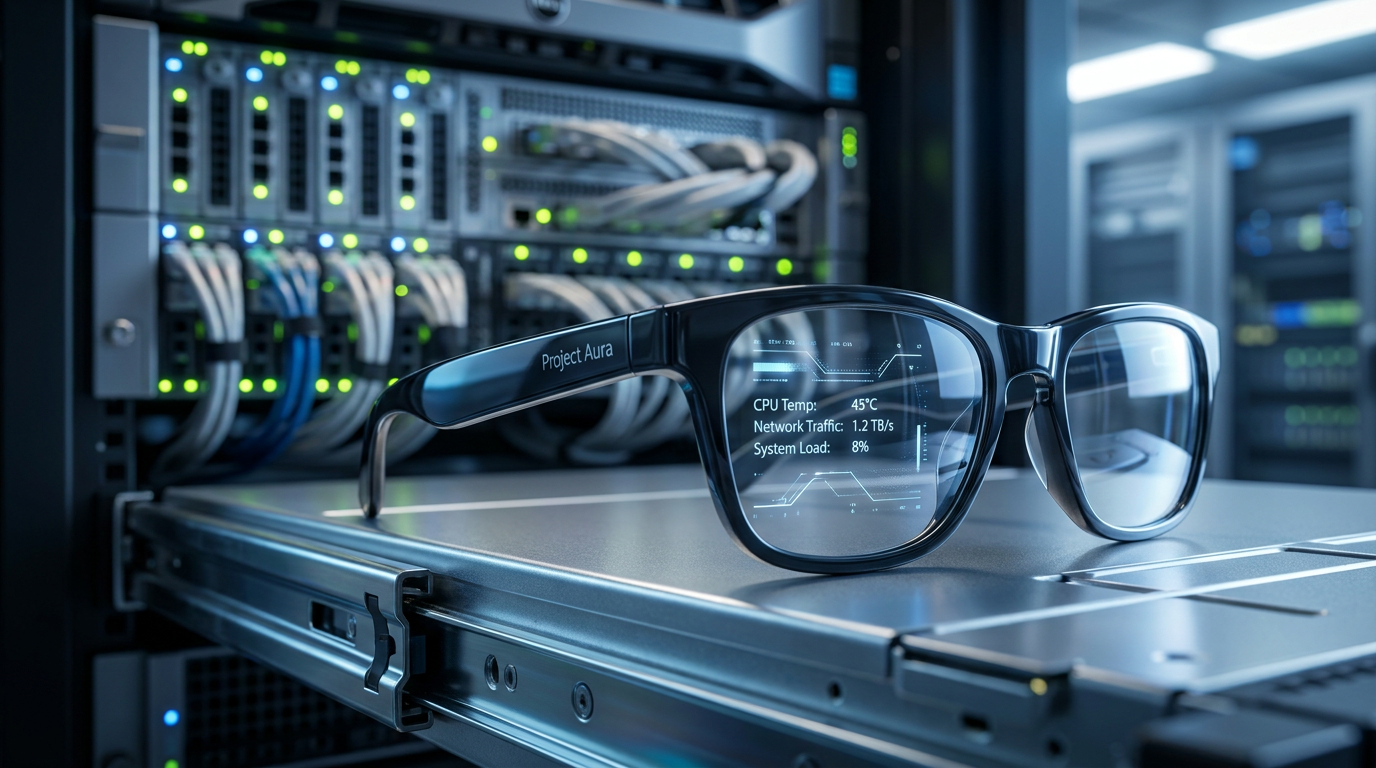
The most disruptive element of Google’s 2026 roadmap is Android XR. Following the launch of the Samsung Galaxy XR headset in late 2025 (priced at $1,799), Google has expanded its hardware partnerships. The Xreal Aura, described as “a headset masquerading as glasses,” is now available for a $99 reservation ahead of its Fall 2026 launch. The Aura features a compute puck with a fingerprint scanner and a lanyard, offloading thermal and processing constraints from the face.
Under the hood, Android XR is a spatial computing powerhouse. It leverages the ARCore Geospatial API, powered by Google Maps’ Visual Positioning System (VPS). This allows developers to anchor 3D content to specific latitude, longitude, and altitude coordinates globally. For Hardware & Silicon enthusiasts, the integration with the new Snapdragon Reality Elite chip ensures that motion-to-photon latency remains under the critical 20ms threshold, preventing motion sickness. Developers can use Jetpack Compose XR to project existing 2D UI layers into 3D space, meaning the Android XR ecosystem will launch with millions of compatible apps on day one.
The Consumer Translation
While the underlying architecture is highly technical, the impact on Consumer Tech is immediate and tangible. For the everyday user, Android 17 transforms foldables from oversized phones into genuine laptop replacements. The 50/50 split gaming mode and native gamepad controller remapping mean that devices like the Pixel Fold can serve as portable consoles.
The integration of Live Updates on Wear OS 7 means users no longer need to constantly pull out their phones to check if their food delivery is arriving; the data is persistently visible on their wrist. Meanwhile, the Xreal Aura glasses promise to bring augmented reality out of the enterprise and into the mainstream. By offering a lightweight, tethered design with a dedicated compute puck, Google and Xreal are solving the battery and weight issues that have historically held back AR glasses. Additionally, Android 17 introduces Screen Reactions—a built-in green screen feature that allows creators to record their selfie camera and screen together without needing extra editing apps.
Frequently Asked Questions
Q1: What are the main features of Android 17?
A1: Android 17 introduces universal app Bubbles for desktop-style windowing, “Continue On” for cross-device task handoff, and one-time location sharing. It also adds native gamepad controls and 50/50 split gaming for foldables.
Q2: How does Wear OS 7 improve battery life?
A2: Wear OS 7 delivers up to a 10% battery improvement over Wear OS 6 through optimized background execution and more efficient Live Updates bridging. This allows watches to display real-time data without draining power.
Q3: What is Android XR and when does it launch?
A3: Android XR is Google’s dedicated spatial computing operating system built for headsets and smart glasses. The Samsung Galaxy XR launched in late 2025, and the Xreal Aura glasses are available for preorder for a Fall 2026 release.
Q4: How does the “Continue On” feature work?
A4: “Continue On” acts similarly to Apple’s Handoff, allowing users to start a task on an Android phone and seamlessly resume it on a compatible Android tablet. At launch, it supports unidirectional handoff from phone to tablet.
Q5: Do developers need to rewrite apps for Android XR?
A5: No. Developers can use Jetpack Compose XR to extend their existing 2D Android applications into 3D spatial environments, significantly reducing development time and enterprise costs.
TechNode HQ Verdict: Pros, Cons & Usability
- Pro (Engineering): Universal Jetpack Compose XR integration allows a single codebase to deploy across mobile, wearables, and spatial computing headsets.
- Pro (Consumer): Wear OS 7 Live Updates and Android 17 Bubbles drastically reduce friction for everyday multitasking and real-time tracking.
- Con: The Xreal Aura’s reliance on a tethered compute puck highlights ongoing thermal and battery bottlenecks in standalone spatial computing.
- Con: The “Continue On” feature is currently unidirectional (phone to tablet only), lagging behind the bidirectional fluidity of Apple’s Handoff.
Enterprise Usability: CTOs should immediately begin auditing their internal applications for Android 17 Bubbles compatibility and Jetpack Compose XR readiness. The TCO reduction from unified development is too significant to ignore.
Everyday Usability: Pixel 6 and newer owners should update immediately to leverage the memory management and multitasking benefits. However, consumers should wait for full reviews of the Xreal Aura before committing beyond the $99 reservation.