The Homogenization of Hardware and the Maker Rebellion
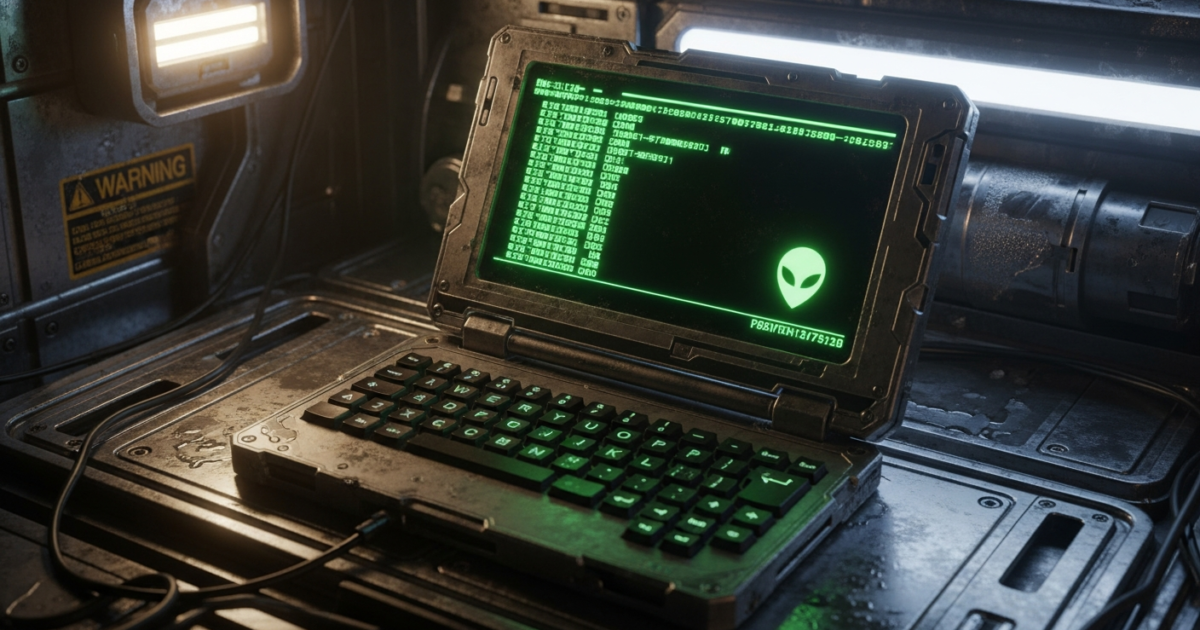
In the modern era of enterprise IT and consumer technology, hardware has become overwhelmingly homogenous. Walk into any corporate boardroom or coffee shop, and you will be greeted by a sea of identical, unrepairable glass-and-aluminum slabs. The modern computing appliance is a closed ecosystem, designed to be consumed rather than understood. However, on the fringes of the hardware ecosystem, a rebellion is brewing. It is driven by the “cyberdeck” community—a subculture of engineers, makers, and open-source advocates who are reclaiming the physical form factor of computing. At the forefront of this movement in 2026 is Jeff Merrick’s Typeframe PS-85, a bespoke, open-source portable terminal that looks like it was ripped directly from the set of Ridley Scott’s 1979 sci-fi masterpiece, Alien.
Built as a rugged, barebones slate-style portable computer, the PS-85 is heavily inspired by the fictional Weyland-Yutani corporation—the omnipresent, morally bankrupt megacorporation of the Alien franchise. But beyond its striking retro-futuristic aesthetic, the PS-85 is a fascinating case study in constrained engineering, power management, and the capabilities of modern single-board computer architecture. It is not a toy; it is a fully functional Linux terminal that challenges our assumptions about what a portable computer should look like, how it should function, and who should control its design.
The Architectural Reality: Under the Hood of the PS-85
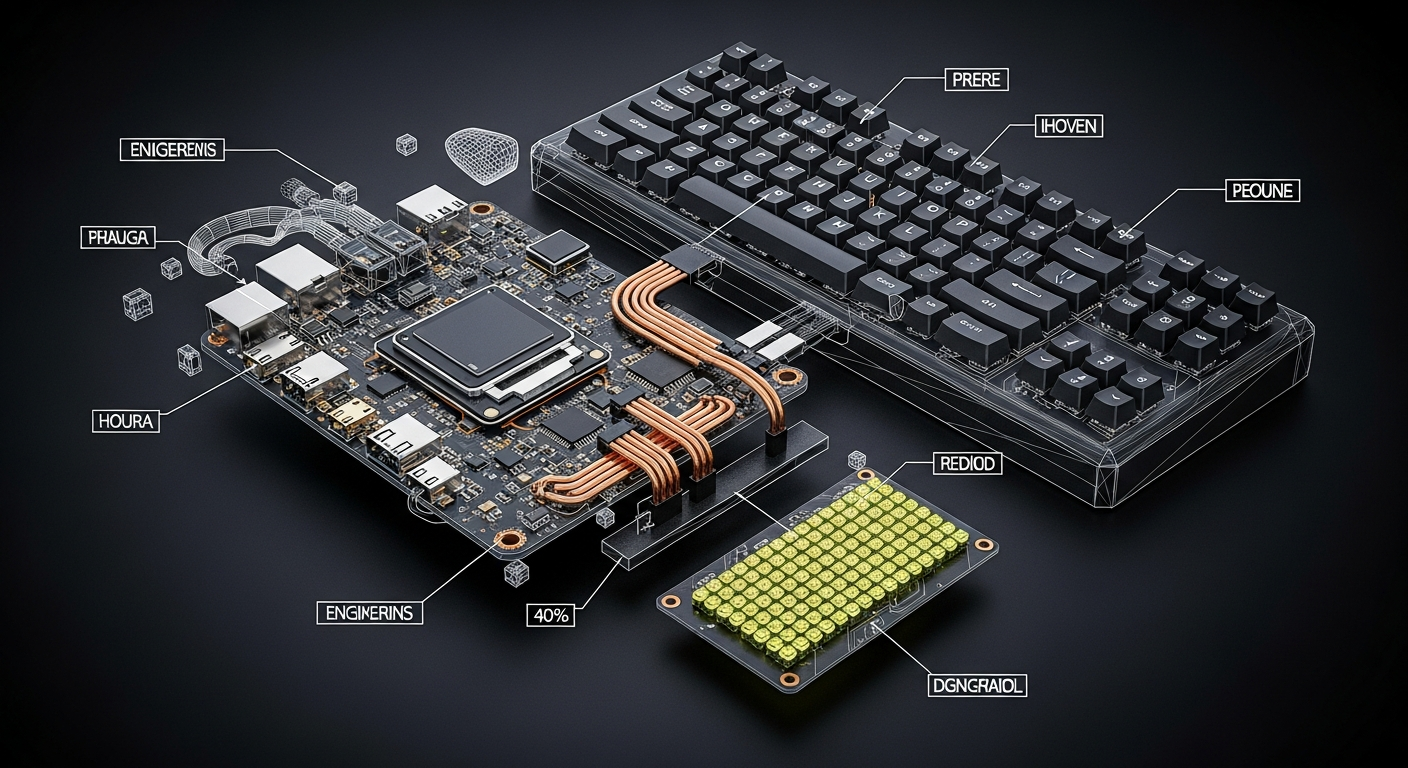
At the heart of the Typeframe PS-85 lies the Raspberry Pi Zero 2 W. Released as a low-cost, low-power alternative to the mainline Raspberry Pi series, the Zero 2 W is a marvel of miniaturization. It utilizes the RP3A0 system-in-package (SiP), which integrates a quad-core 64-bit ARM Cortex-A53 CPU clocked at 1GHz with 512MB of LPDDR2 SDRAM. While this is a massive leap over the original Pi Zero, 512MB of RAM is a severe bottleneck by 2026 standards. Attempting to run a modern X11 or Wayland-based Graphical User Interface (GUI) on this silicon results in crippling thermal throttling and system hangs.
Merrick’s engineering synthesis elegantly sidesteps this limitation. Instead of forcing the hardware to do something it wasn’t designed for, the PS-85 runs Raspberry Pi OS Lite—a stripped-down, headless Linux distribution that boots directly into a Command Line Interface (CLI). By abandoning the GUI, the PS-85 frees up nearly all of its 512MB of RAM for actual compute tasks, compiling code, or running lightweight Python scripts. It transforms the device from a sluggish desktop replacement into a lightning-fast, highly capable terminal.
Power delivery in DIY portable electronics is notoriously difficult, but the PS-85 handles it with enterprise-grade logic. The system is powered by a 3.7V 6000mAh Lithium-Polymer (LiPo) battery, which is managed by an Adafruit PowerBoost 1000C. This crucial component acts as both a load-sharing battery charger and a DC/DC boost converter, stepping the 3.7V battery output up to a stable 5.2V at 1A to safely power the Pi Zero 2 W and its peripherals. This ensures that the system does not suffer from voltage droop during CPU-intensive tasks, a common failure point in amateur cyberdeck builds.
Display and Interface: The Semiotic Standard
The visual centerpiece of the PS-85 is its 7.9-inch Waveshare ultrawide display. Boasting a resolution of 1280 x 400 pixels, this IPS panel provides a unique, letterboxed viewing area that is perfect for reading long strings of terminal output or monitoring server logs. Interestingly, the Waveshare panel features capacitive touch capabilities. While this is a premium hardware inclusion, our architectural audit notes a distinct irony: because the PS-85 runs a CLI-only operating system, the touch functionality is largely redundant, drawing parasitic power without offering tangible UI benefits.
However, the most striking—and controversial—element of the PS-85 is its keyboard. Merrick opted for a 40% mechanical keyboard layout, utilizing a hot-swappable PCB (heavily inspired by Penk Chen’s Penkesu design). A 40% keyboard strips away the number row, function keys, and most navigation clusters, forcing the user to rely on complex, multi-layered key combinations to type numbers or execute macros.
To complete the Weyland-Yutani aesthetic, Merrick outfitted the mechanical switches with custom keycaps manufactured by Signature Plastics. These keycaps do not feature the standard QWERTY Latin alphabet. Instead, they are printed with the “Semiotic Standard”—a series of abstract, geometric symbols designed by legendary conceptual artist Ron Cobb for the original Alien film. Cobb designed these symbols to represent a universal, language-agnostic corporate iconography for the deep-space commercial towing vehicle, the USCSS Nostromo.
From an aesthetic standpoint, the Semiotic Standard keycaps are a triumph of production design. From a usability standpoint, they are a cognitive nightmare. Unless the operator has the 40% layer map and the QWERTY layout flawlessly committed to muscle memory, typing complex Linux bash commands (which heavily rely on special characters, slashes, and brackets) on abstract alien symbols is an exercise in extreme frustration. It is a stark reminder that in the world of cyberdecks, form frequently supersedes function.
Power and Peripherals: The MU/TH/UR Connection
No Alien-themed build would be complete without a nod to MU/TH/UR 6000 (affectionately known as “Mother”), the Nostromo’s central artificial intelligence mainframe. Merrick achieved this by integrating an Adafruit CharliePlex LED Matrix Bonnet into the top corner of the PS-85’s 3D-printed chassis.
This 8×16 LED matrix provides a mesmerizing, retro-computing glow, displaying scrolling data or status indicators. From an engineering perspective, the choice of a CharliePlex matrix is highly strategic. Charlieplexing is a technique for driving a multiplexed display in which relatively few I/O pins on a microcontroller are used to drive an array of LEDs. The Adafruit Bonnet communicates with the Raspberry Pi Zero 2 W exclusively over the I2C (Inter-Integrated Circuit) protocol. This means it only requires two GPIO (General-Purpose Input/Output) pins—SDA (data) and SCL (clock)—leaving the vast majority of the Pi’s 40-pin header exposed and available for the user to attach external sensors, logic analyzers, or serial debuggers.
Market Impact & Deployment: The Rise of the Cyberdeck
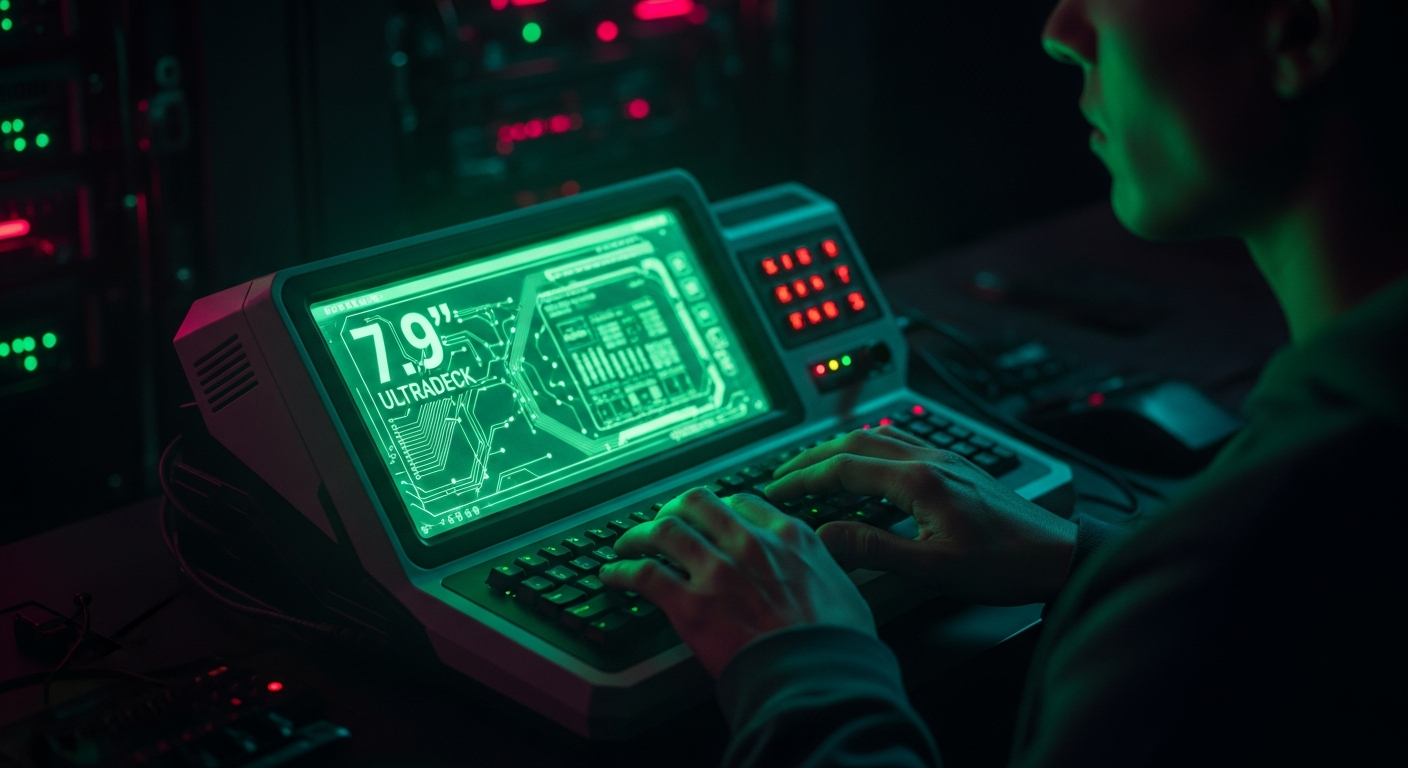
The PS-85 is not Merrick’s first foray into bespoke hardware. It serves as the spiritual successor to his previous project, the Typeframe PX-88. The PX-88 was a larger, more powerful “writerdeck” powered by a Raspberry Pi 4 and heavily inspired by the 1985 Epson PX-4 portable computer. While the PX-88 was designed for distraction-free word processing in modern web environments like Google Docs, the PS-85 pivots toward a more rugged, terminal-focused use case.
In the broader context of Enterprise IT, devices like the PS-85 highlight a growing demand for localized edge computing tools. While a corporate system administrator is more likely to deploy a Panasonic Toughbook or a Dell Latitude Rugged for field work, the underlying philosophy of the cyberdeck is highly relevant. IT professionals are increasingly frustrated by the telemetry, bloatware, and mandatory cloud connectivity forced upon them by hyperscalers like Microsoft and Apple.
The PS-85 represents absolute digital sovereignty. It is an offline-first machine. It does not phone home, it does not require a subscription, and every single component—from the 3D-printed PLA/PETG chassis to the mechanical switches—can be repaired, replaced, or upgraded by the user with a standard soldering iron and a screwdriver. By open-sourcing the CAD files, wiring diagrams, and software configurations on GitHub and Typeframe.net, Merrick has contributed to a vital repository of right-to-repair knowledge.
The Consumer Translation: Why We Crave Retro-Futurism
Why does a device that is objectively slower, heavier, and harder to use than a $100 smartphone capture the imagination of millions across the internet? The answer lies in the psychology of modern computing.
Consumers are experiencing profound digital fatigue. Our primary computing devices are infinite scrolling machines, optimized by algorithms to hijack our attention and serve advertisements. The PS-85, and the broader cyberdeck movement, offers an escape hatch. It is a computer that demands intentionality. You cannot accidentally open TikTok on a command-line interface. You cannot be distracted by a Slack notification when your operating system doesn’t support a GUI.
Furthermore, the retro-futurism of the 1970s and 1980s—characterized by chunky plastics, tactile mechanical switches, and glowing monochrome phosphor displays—evokes a time when computers were viewed as tools of empowerment rather than portals of surveillance. The Weyland-Yutani aesthetic, despite representing a dystopian corporate entity in fiction, translates into the real world as a piece of hardware that feels substantial, purposeful, and built to survive the harsh realities of deep space (or a crowded subway commute).
TechNode HQ Verdict: Pros, Cons & Usability
- Pro (Engineering): Masterful use of the I2C protocol and the Adafruit CharliePlex matrix to preserve GPIO pins for external hardware hacking and serial debugging.
- Pro (Consumer): Provides a completely distraction-free, offline-first computing environment that guarantees absolute digital privacy and right-to-repair sovereignty.
- Con: The 40% keyboard layout combined with abstract Semiotic Standard keycaps creates an incredibly steep cognitive learning curve, making rapid CLI typing nearly impossible for uninitiated users.
- Con: The inclusion of a capacitive touchscreen draws unnecessary power from the 6000mAh battery, as the Raspberry Pi OS Lite environment cannot natively utilize touch inputs.
Enterprise Usability: For a CTO or IT Director, the PS-85 is not a deployable fleet asset. However, it serves as a brilliant conceptual prototype for edge computing. Network administrators and penetration testers could easily adapt the open-source Typeframe chassis to house a more powerful SBC (like a Raspberry Pi 5) and a standard QWERTY layout, creating a highly durable, bespoke terminal for managing headless servers in air-gapped environments.
Everyday Usability: The general public should not attempt to use the PS-85 as a daily driver. It is a specialized tool for hobbyists, Linux enthusiasts, and prop-makers. However, for anyone looking to learn CAD, 3D printing, basic electronics soldering, and Linux command-line architecture, building your own PS-85 using Merrick’s open-source files is one of the most rewarding weekend projects available in 2026.