Key takeaways
- The Dell 24-inch AiO 2026 leverages Intel Core Ultra processors for highly efficient, laptop-grade performance.
- A lightweight, 15-pound chassis and single-screw assembly make enterprise deployment exceptionally fast.
- The 1080p touchscreen presents a distinct bottleneck for high-end creative workflows or professional illustration.
- Rich, front-facing audio significantly offsets the display’s visual limitations for everyday multimedia consumption.
- With a $1,070 starting price, it targets mainstream productivity rather than heavy 3D rendering.
The Dell 24-inch AiO 2026 Architectural Reality
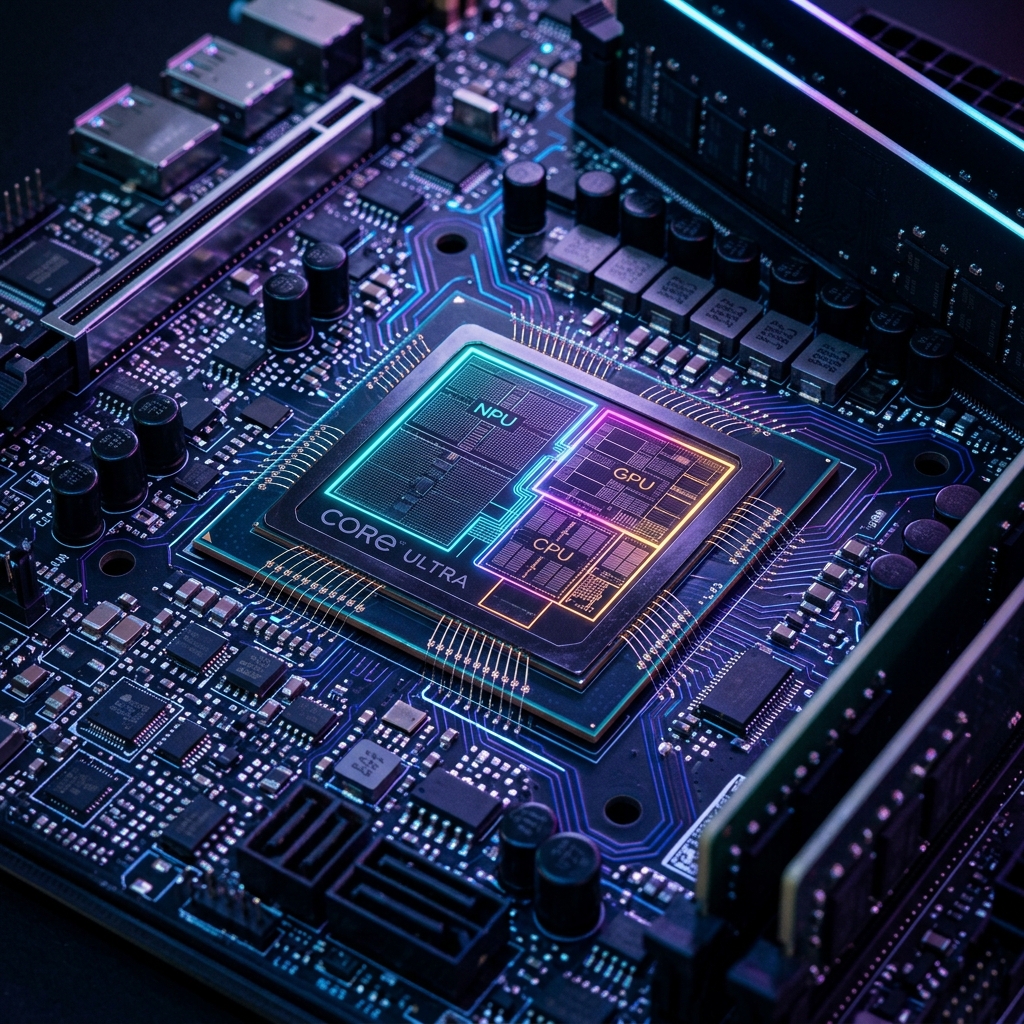
The desktop computing landscape is undergoing a subtle but significant transformation. The Dell 24-inch AiO 2026 represents a distinct pivot away from traditional, bulky towers towards streamlined, highly integrated systems. By utilizing the Intel Core Ultra platform—specifically the Ultra 5 325 in base models and scaling to the Ultra 7 255—Dell has effectively transplanted high-efficiency, “laptop-grade” internals into a stationary chassis. This architectural decision fundamentally alters the thermal dynamics and performance expectations of the machine.
Instead of chasing raw, unbridled power, this system prioritizes snap-in responsiveness. Paired with 16GB of DDR5-5600 memory and a 512GB NVMe M.2 SSD, the baseline architecture handles multitasking, web browsing, and general office applications without stuttering. However, the reliance on integrated graphics creates a hard ceiling; this is an appliance engineered for mainstream productivity, firmly outside the comfort zone of intensive 3D rendering or high-framerate gaming.
Market Impact and Deployment Logistics

For IT administrators and consumers alike, the physical footprint of the desktop is often as critical as its silicon. Weighing in at just under 15 pounds with the stand attached, this AiO is remarkably maneuverable compared to the 20-plus pound behemoths of previous generations. The assembly process is refreshingly frictionless, relying on a single screw to secure the main arm to the base. This space-saving design is an undeniable asset in cramped remote workspaces or high-density office environments.
Priced at $1,070 for the base configuration and reaching roughly $1,900 when fully specced, the financial proposition is clear: you are paying for convenience and aesthetic cohesion. The inclusion of the Light Ash-colored Dell Pro 5 mouse and plunger-style keyboard minimizes cable clutter entirely, although the reliance on disposable AAA and AA batteries feels slightly antiquated in an era dominated by USB-C peripherals.
Display Bottlenecks and Multimedia Redemption
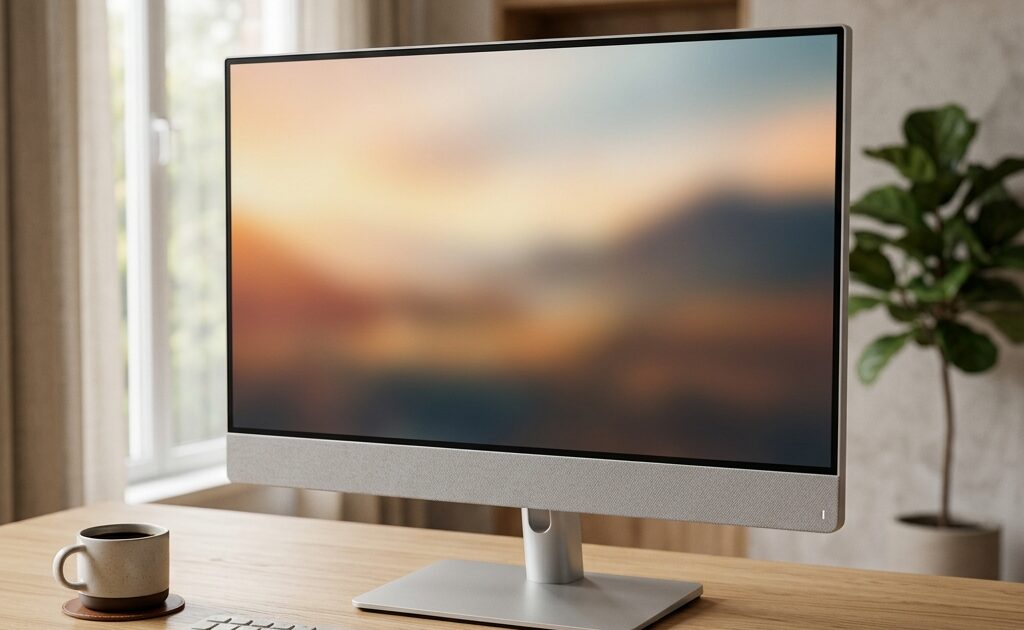
The most glaring compromise in this otherwise robust system is the 23.8-inch display. Capped at a standard 1920 x 1080 (1080p) resolution, the panel struggles to deliver the crisp, razor-sharp text and fluid UI elements expected by modern power users. Under close scrutiny, artifacts emerge—notification bubbles can appear blurry, and the jagged edges of standard app icons betray the lack of pixel density. While it functions as a touchscreen, the practical utility of swiping through a vertical 1080p monitor remains questionable for serious illustration or design work.
Surprisingly, where the visual hardware stumbles, the audio engineering excels. A built-in speaker bar positioned beneath the display directs sound directly toward the user, delivering a rich, vibrant soundstage. Whether rendering the warmth of vocal-heavy videos or the weighty bass of background music, the audio output possesses a strong presence that genuinely offsets the display’s constraints.
The Consumer Translation: Everyday Usability
Translating this hardware into everyday reality reveals a machine built for the pragmatic user. It is the quintessential “no-fuss” computer—perfect for the remote worker tackling endless spreadsheets, the student managing coursework, or the family needing a reliable central hub. The inclusion of modern connectivity, such as Wi-Fi 7 and a physical privacy shutter on the Windows Hello-compatible webcam, ensures it meets the baseline security and networking standards of 2026.
While it may lack the sheer graphical horsepower of dedicated creator workstations, its snappy operation and clutter-free design make it a highly logical choice for users upgrading from aging Windows 10 systems. It is an appliance that simply works, asking little of its user beyond basic assembly.
TechNode HQ Verdict: Pros, Cons & Usability
- Pro (Engineering): The integration of Intel Core Ultra processors delivers highly efficient, responsive multitasking within a thermally constrained, 15-pound chassis.
- Pro (Consumer): A minimalist, single-screw setup with surprisingly powerful front-facing speakers creates an immediate, out-of-the-box entertainment and productivity hub.
- Con: The 1080p resolution is a definitive bottleneck, producing noticeable artifacts and jagged text that detract from professional workflows.
- Con: The bundled wireless Pro 5 accessories rely on disposable batteries rather than modern USB-C recharging, adding long-term maintenance friction.
Enterprise Usability: For fleet deployments where raw compute is secondary to ease of setup, space efficiency, and reliable web-based performance, this AiO is highly attractive. The lightweight design simplifies office shuffling and desk configuration.
Everyday Usability: A definitive buy for families, students, and basic home-office users seeking a reliable, aesthetically pleasing upgrade from older desktops, provided they do not require high-resolution design capabilities.