The Architectural Shift: Engineering the Ultimate E-Ink Experience

For six years, the ReMarkable 2 stood as the undisputed heavyweight champion of the digital notebook sector, an eternity in consumer electronics. Now, the changing of the guard has arrived with the introduction of the ReMarkable Paper Pure. Priced at $399, this device is not merely a cosmetic refresh; it represents a calculated architectural pivot. By aligning its naming convention with the premium ReMarkable Paper Pro and Paper Pro Move, the company is establishing a distinct, tiered hardware ecosystem. But beneath the recycled aluminum chassis lies a fascinating study in subtractive engineering.
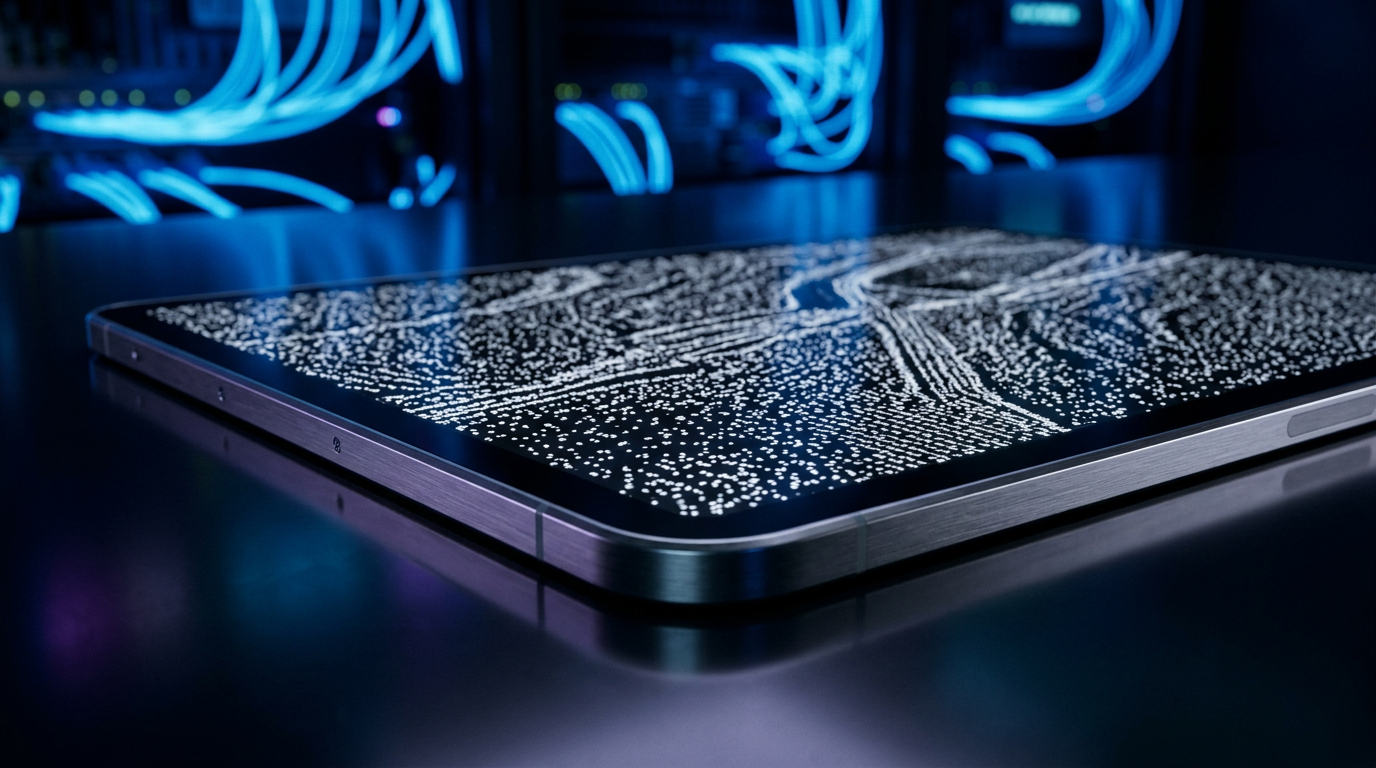
The Paper Pure retains the familiar 10.3-inch form factor, but the display technology has undergone a rigorous optimization process. ReMarkable claims this iteration features the “best white on the market,” a statement that speaks directly to the physics of electrophoretic displays (EPD). By intentionally omitting the front-light layer and the color filter array found in their Pro models, ReMarkable’s engineers have drastically reduced the optical distance between the e-ink microcapsules and the surface of the screen. This reduction in layers minimizes parallax—the visual gap between the stylus tip and the digital ink—resulting in an experience that is virtually indistinguishable from physical paper. Furthermore, the removal of these layers allows more ambient light to reach and reflect off the white microcapsules, genuinely improving the base contrast ratio and delivering a starker, crisper white background.
From a structural standpoint, the transition to a recycled aluminum frame has yielded a device that weighs a mere 0.79 pounds, shaving a crucial tenth of a pound off its predecessor. In the realm of handheld enterprise hardware, this fractional weight reduction significantly decreases wrist fatigue during prolonged boardroom sessions. The bezel architecture has also been refined. The bottom bezel has been shortened, creating a more compact footprint, while the thicker side bezel has been retained. This asymmetrical design is an ergonomic masterstroke, providing a dedicated resting zone for the thumb that prevents accidental capacitive touches. Crucially, the device’s internal gyroscopes respond instantly to rotation, allowing seamless ambidextrous use, though left-handed users may find the magnetic stylus attachment on the non-bezel side slightly less intuitive.
Power management is perhaps the most impressive architectural leap. The Paper Pure boasts a staggering three-week battery life, a 50% improvement over the ReMarkable 2. Achieving this requires an incredibly aggressive approach to System on Chip (SoC) power states. Because EPD technology only draws power when refreshing the screen—requiring zero energy to maintain a static image—the underlying ARM processor must be tuned to enter deep-sleep micro-states between pen strokes. This level of firmware optimization ensures that the device remains a reliable, always-ready tool for the enterprise professional, even if it still slightly trails the battery endurance of the Amazon Kindle Scribe.
Enterprise Market Impact & TCO: Deployment, Security, and Cloud APIs
For Chief Information Officers and Enterprise IT managers, the deployment of digital notebooks has always been a balancing act between executive productivity and data security. The ReMarkable Paper Pure introduces several new software features that directly impact its Total Cost of Ownership (TCO) and its viability as a fleet-deployed corporate asset. The most notable additions are the native calendar integrations and the cloud-based “Convert and Share” functionality.
The calendar API integration allows the Paper Pure to sync directly with Google Workspace and Microsoft Outlook. From an executive workflow perspective, this is a massive leap forward. A dedicated calendar icon on the home screen provides a daily digest of meetings, and with a single tap, the device automatically generates a templated note populated with the meeting’s metadata. It even recognizes recurring calendar invites, appending new notes to a continuous, dedicated folder. However, from an enterprise deployment standpoint, there is a glaring bottleneck: the system currently only supports a single calendar sync and completely ignores shared calendars. In a corporate environment where executives rely heavily on Executive Assistants managing delegated, shared calendars, this limitation severely kneecaps the feature’s utility. IT departments will need to evaluate if this single-stream sync aligns with their internal workflow structures.
The “Convert and Share” feature introduces a different set of enterprise considerations. By leveraging ReMarkable’s web application, users can instantly summarize handwritten notes into typed text and generate a shareable URL. This is powered by cloud-side Natural Language Processing (NLP). While incredibly efficient for post-meeting debriefs—allowing colleagues to view the AI-generated summary alongside the original handwritten scrawl without needing a ReMarkable account—it raises immediate data residency and compliance flags. Enterprise IT must heavily scrutinize the routing of this data. When proprietary corporate IP, M&A discussions, or sensitive HR notes are processed through ReMarkable’s cloud to generate these summaries, does it comply with internal SOC2 or GDPR mandates? The reliance on external cloud compute for core functionality means the Paper Pure is not a true offline-only device if users want to maximize its feature set.
Furthermore, the introduction of screen sharing via the ReMarkable web app offers a rudimentary but functional digital whiteboard solution for remote teams. By casting the tablet’s screen to the web app, and subsequently sharing that browser window over Zoom or Microsoft Teams, users can replicate the collaborative feel of a conference room whiteboard. While the multi-step process is slightly clunky compared to native iPad OS integrations, it provides a necessary bridge for hybrid work environments without requiring complex MDM (Mobile Device Management) software installations.
The Consumer Reality: What This Means for You
Stepping away from the corporate server room, how does the ReMarkable Paper Pure translate to the everyday consumer, the student, or the creative professional? The device’s moniker, “Pure,” is not just marketing jargon; it is a philosophical statement about cognitive ergonomics. In an era where our primary computing devices are relentless engines of distraction, bombarding us with notifications, emails, and social media dopamine loops, the Paper Pure offers a sanctuary of single-tasking.
The writing experience remains the gold standard of the industry. The proprietary textured surface of the display, combined with the precise resistance of the stylus tip, creates a tactile feedback loop that genuinely mimics the friction of graphite on paper. There is no glass-on-glass slipping, no gritty lag, and no perceptible latency. For authors drafting manuscripts, students diagramming complex equations, or professionals mapping out project architectures, this distraction-free environment is invaluable. It forces a state of deep work that is increasingly difficult to achieve on an iPad or a traditional laptop.
However, this purity comes at a steep cost to versatility. The most glaring omission for the consumer is the lack of a built-in front light. While the display is brilliantly white in natural daylight or a well-lit office, it becomes entirely useless in a darkened lecture hall, on a red-eye flight, or in bed next to a sleeping partner. ReMarkable’s decision to omit the light preserves the thinness of the device and extends the battery, but it fundamentally limits where and when the tablet can be used.
Equally frustrating for the power user is the total denial of advanced accessories. Unlike the older ReMarkable 2 or the new Paper Pro, the Paper Pure does not support a keyboard folio. It cannot transform into a distraction-free e-paper laptop. Furthermore, the protective folio available for the Pure lacks magnetic attachment, requiring users to awkwardly slide the tablet in and out of a sleeve rather than simply flipping open a magnetic cover. While the folio comes in attractive, professional colors, the lack of a keyboard accessory is a hard pill to swallow for students or journalists who need to transition from handwriting to rapid typing. It is a clear signal from ReMarkable: if you want to type, you must pay the premium for the Pro tier.
The Industry Ripple Effect: Segmentation and Survival
The launch of the ReMarkable Paper Pure sends a distinct ripple through the highly competitive digital notebook market. ReMarkable is adopting a classic, Apple-esque product segmentation strategy. By stripping features from the $399 base model—no color, no backlight, no keyboard—they are creating a stark dividing line between their entry-level offering and their premium Pro lineup. This forces consumers to make a hard choice: accept the limitations of the “Pure” experience, or open their wallets significantly wider for the Pro.
This strategy leaves ReMarkable vulnerable to aggressive competitors. The Amazon Kindle Scribe, for instance, offers a built-in backlight, a longer battery life, and deep integration with the world’s largest e-book ecosystem, often at a highly competitive price point. Meanwhile, companies like Onyx Boox offer Android-based e-ink tablets that allow users to download any app from the Google Play Store, providing infinite versatility at the cost of battery life and distraction-free focus.
Ultimately, the ReMarkable Paper Pure is a bet that there is a substantial, profitable demographic of users who are willing to pay $399 specifically for what a device cannot do. It is a rejection of feature bloat. By doubling down on the core mechanics of writing—improving the screen contrast, lightening the chassis, and extending the battery—ReMarkable has built the finest digital piece of paper on the market. Whether that is enough to maintain their dominance in an increasingly crowded sector remains to be seen, but for the enterprise professional seeking pure, unadulterated focus, the Paper Pure is a compelling, if compromised, masterpiece.
TechNode HQ Verdict: Pros, Cons & Usability
- Pro (Engineering): The removal of the front-light and color filter layers drastically reduces stylus parallax and significantly improves the optical whiteness and base contrast of the electrophoretic display.
- Pro (Consumer): The reduction in weight to 0.79 lbs, combined with the asymmetrical ergonomic bezel, provides an unparalleled, fatigue-free writing experience that perfectly mimics physical paper.
- Con: The complete lack of a built-in front light severely limits the device’s usability in low-light environments, such as darkened lecture halls or nighttime travel.
- Con: The calendar API integration is currently limited to a single account and does not support shared corporate calendars, creating a massive bottleneck for executive workflows.
Enterprise Usability: For CTOs and IT managers, the Paper Pure is an excellent deployment option for executives who require a secure, distraction-free note-taking tool. However, IT must audit the cloud-based “Convert and Share” NLP summarization feature to ensure it complies with internal data privacy and IP protection mandates before authorizing fleet-wide rollout.
Everyday Usability: Consumers should buy this device if their primary goal is deep, focused handwriting and cognitive offloading. If you require nighttime reading capabilities, or if you plan to type extensively, you should bypass the Pure and look toward the Amazon Kindle Scribe or the ReMarkable Paper Pro.
Sources & Citations:
Original Technical Breakdown via: wired
Official Handle: @wired
Topics Explored: E-Ink Technology, Enterprise Tablets, ReMarkable Paper Pure, Digital Notebooks, Productivity Hardware