Key takeaways
- Git Worktrees eliminate the 23-minute cognitive recovery penalty of context switching.
- Parallel worktrees save up to 56% in disk space compared to multiple repository clones.
- The GitHub Copilot App uses worktrees by default to orchestrate multiple AI agents simultaneously.
- Context switching costs enterprises an estimated $50,000 to $78,000 annually per developer.
- Dependency bloat remains a critical bottleneck, requiring separate package installs per worktree.
The Architectural Reality of Git Worktrees
For over a decade, the standard version control workflow has been a linear, single-lane highway. You pull a repository, check out a branch, write code, and commit. If an urgent bug interrupts your flow, you are forced to stash your incomplete work, switch branches, rebuild your local environment, and attempt to fix the issue. This is the reality of modern software engineering—until you understand the mechanics of Git Worktrees.
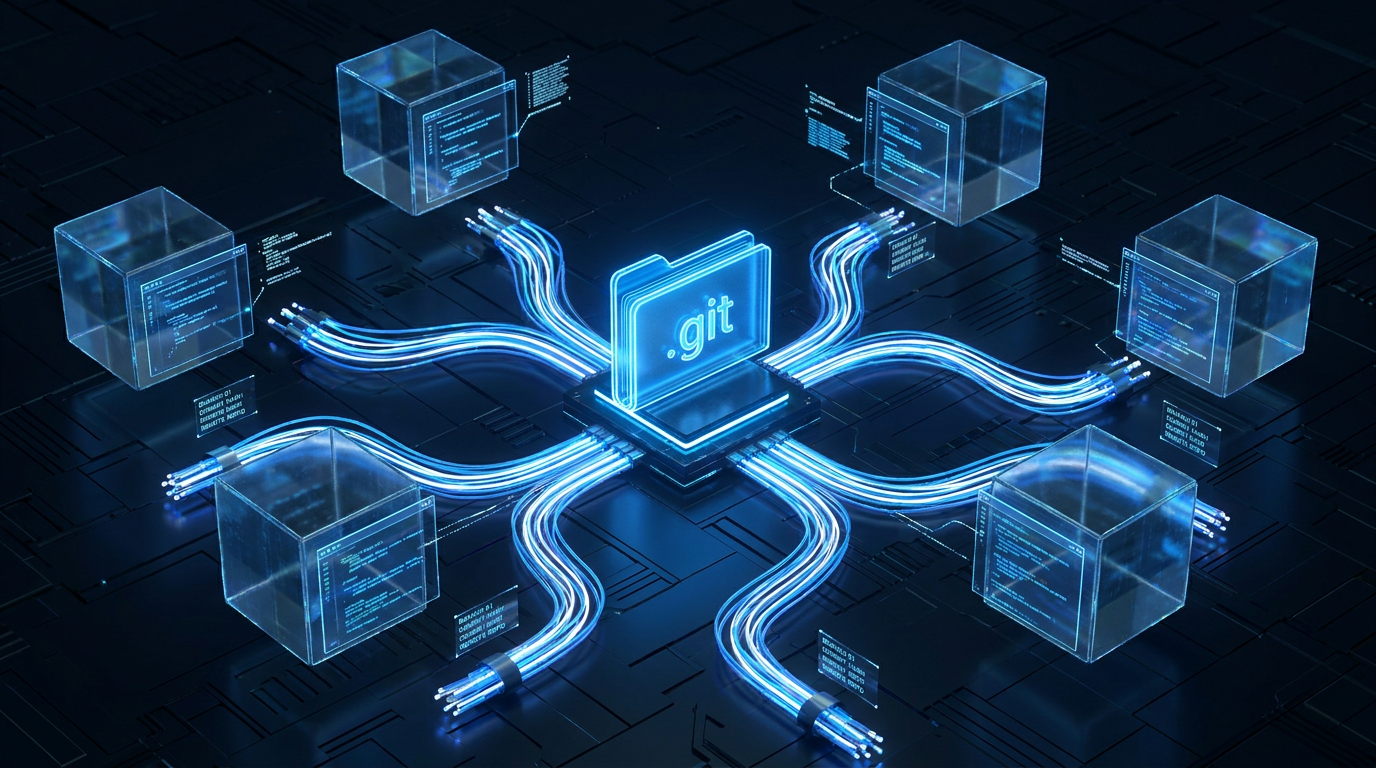
Introduced quietly in Git 2.5 back in 2015, Git Worktrees fundamentally alter the physics of local version control. In a traditional setup, a single working directory is inextricably linked to a single .git folder. To work on a different branch, you must mutate the state of that single directory. Git Worktrees shatter this limitation by allowing you to attach multiple, independent working directories to a single, shared .git object store.
By executing a simple command—git worktree add ../hotfix-workspace -b hotfix-bug main—the system instantly provisions a sibling folder. This new directory checks out the target branch and is ready for immediate use. Because it reads from the exact same local object store, there are zero network calls and no cloning overhead. The performance is instantaneous. For enterprise teams scaling their DevOps infrastructure, this architectural shift transitions local development from a single-threaded bottleneck into a highly parallelized environment.
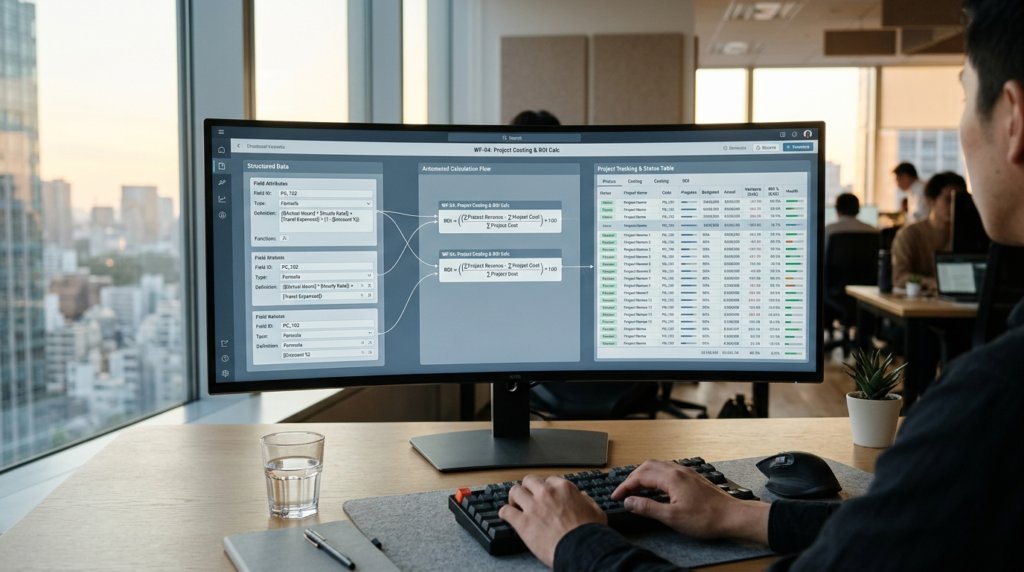
To understand this at an executive level, think of a Git repository as a central corporate database. A standard Git checkout is like having a single computer terminal to access it; if you need to look at a different record, you have to close your current screen. Git Worktrees are the equivalent of plugging multiple independent monitors and keyboards into that same database. You can view, edit, and run entirely different records simultaneously without ever disrupting your primary workspace.
Market Impact & Deployment: The Context-Switching Tax

The true value of Git Worktrees is not found in the elegance of the code, but in the brutal mathematics of developer productivity. Context switching is the silent killer of engineering velocity. When a developer is deep in a complex refactor, they are holding a massive, fragile mental model of the system architecture in their working memory. Forcing them to drop that model to address a hotfix incurs a massive cognitive penalty.
Recent industry data quantifies this damage. Research from the University of California, Irvine, and subsequent developer surveys reveal that it takes an average of 23 minutes and 15 seconds to fully recover from a context switch. Developers switch tools an average of 35 times per hour, and the compounding effect results in 1 to 2 hours of lost productivity every single day. Financially, this “context-switching tax” costs enterprises an estimated $50,000 to $78,000 annually per mid-level developer.
Git Worktrees directly neutralize this tax. By leaving the primary feature branch untouched in its original directory—complete with its running local server, active terminal sessions, and perfectly indexed IDE state—the developer can simply open a new window for the hotfix. There is no stashing, no dependency re-installation, and no mental friction. Furthermore, because worktrees share the underlying Git history, they offer a 56% reduction in disk space usage compared to the legacy workaround of cloning a repository multiple times.
The Consumer Translation: Multi-Monitor Coding
How does this highly technical shift impact the everyday developer, the open-source maintainer, or the freelance engineer? It fundamentally changes the ergonomics of writing software.
Imagine trying to cook a complex five-course meal, but your kitchen only allows you to have one pot on the stove at a time. If you need to boil water, you have to take your simmering sauce off the heat, put it in the fridge (stashing), boil the water, and then bring the sauce back out to warm it up again. Git Worktrees give you a multi-burner stove. You can have your main feature simmering on the back burner, a hotfix boiling on the front, and an experimental refactor prepping on the counter.
For the individual contributor, this means an end to the dreaded node_modules rebuild cycle. When you switch branches in a traditional setup, your dependencies often fall out of sync, requiring a lengthy npm install or pip install that breaks your flow state. With worktrees, each directory maintains its own isolated dependency state, allowing you to seamlessly alt-tab between entirely different versions of your application.
The AI Agent Orchestration Era
If Git Worktrees have existed since 2015, why are they suddenly the hottest topic in software engineering? The answer lies in the explosion of autonomous AI coding agents.
We have entered an era where AI is no longer just an autocomplete tool; it is an active participant in the codebase. Tools like Claude Code, OpenAI Codex, and the newly announced GitHub Copilot App operate directly within the filesystem. They read files, execute tests, and write code. However, if an AI agent is working in your primary directory, it hijacks your environment. You cannot work while the agent works.
Git Worktrees are the foundational infrastructure that makes parallel AI development possible. The GitHub Copilot App, announced at Microsoft Build 2026, utilizes worktrees as its default mechanism. It acts as a control center, spinning up isolated worktrees for multiple AI agents simultaneously. One agent can be refactoring the authentication module in one worktree, while another agent patches an API bug in a second worktree, all while the human developer reviews code in a third. This orchestration bridges the gap between local hardware and cloud-based development environments, allowing fleets of agents to operate safely without clobbering each other’s commits.
Frequently Asked Questions
Q1: What are Git Worktrees?
A1: Git Worktrees are a native Git feature introduced in 2015 that allow developers to check out multiple branches of a single repository into separate, parallel directories simultaneously. They share the same underlying .git history without requiring multiple full clones.
Q2: How do Git Worktrees improve developer productivity?
A2: They eliminate the need to stash changes, switch branches, and rebuild environments when interrupted by a hotfix. Research shows developers lose 15 to 30 minutes of productivity per context switch, a penalty worktrees bypass entirely.
Q3: Why are Git Worktrees suddenly popular for AI development?
A3: Modern AI coding agents require isolated environments to read files, run tests, and execute commands without overwriting human work. Worktrees provide this isolation, allowing tools like the GitHub Copilot App to run multiple autonomous agents in parallel.
Q4: Do Git Worktrees use more disk space than cloning?
A4: No, they use significantly less. Because all worktrees share a single .git object store, they offer up to a 56% disk space savings compared to creating multiple full clones of a repository.
Q5: What is the main drawback of using Git Worktrees?
A5: Dependency bloat is the primary challenge. Each worktree requires its own copy of project dependencies (like node_modules), which can quickly consume local storage and strain IDE memory if multiple environments are indexed simultaneously.
TechNode HQ Verdict: Pros, Cons & Usability
- Pro (Engineering): Achieves true parallel development with zero network latency, sharing a single local object store to prevent Git history fragmentation.
- Pro (Consumer): Completely eliminates the cognitive friction of stashing code and rebuilding local environments during sudden interruptions.
- Con: Severe dependency bloat. While the
.gitfolder is shared, heavy directories likenode_modulesor Python virtual environments are duplicated per worktree, rapidly consuming SSD space. - Con: IDE memory exhaustion. Opening multiple worktrees simultaneously in editors like VS Code can spawn multiple language servers (e.g., TypeScript servers), crippling system RAM.
Enterprise Usability: CTOs and Engineering Managers should mandate Git Worktrees for incident response (SREs) and AI agent orchestration. The reduction in the $78,000 annual context-switching tax justifies the cost of upgrading developer hardware with larger SSDs to handle the dependency bloat.
Everyday Usability: For individual developers, worktrees are a massive quality-of-life upgrade. Adopt them immediately for handling hotfixes, but be diligent about running git worktree remove to prune stale directories and reclaim disk space.