Key takeaways
- USB-C is the definitive universal standard for modern devices by 2026.
- Keep USB-C to USB-A adapters to bridge legacy peripherals with modern laptops.
- Discard obsolete, mystery, or damaged adapters to prevent fire and hardware risks.
- Invest in certified, high-quality multiport hubs and GaN wall chargers.
- Upgrade Wi-Fi adapters to match Wi-Fi 6 or 7 router capabilities.
The Architectural Reality of Essential USB Adapters
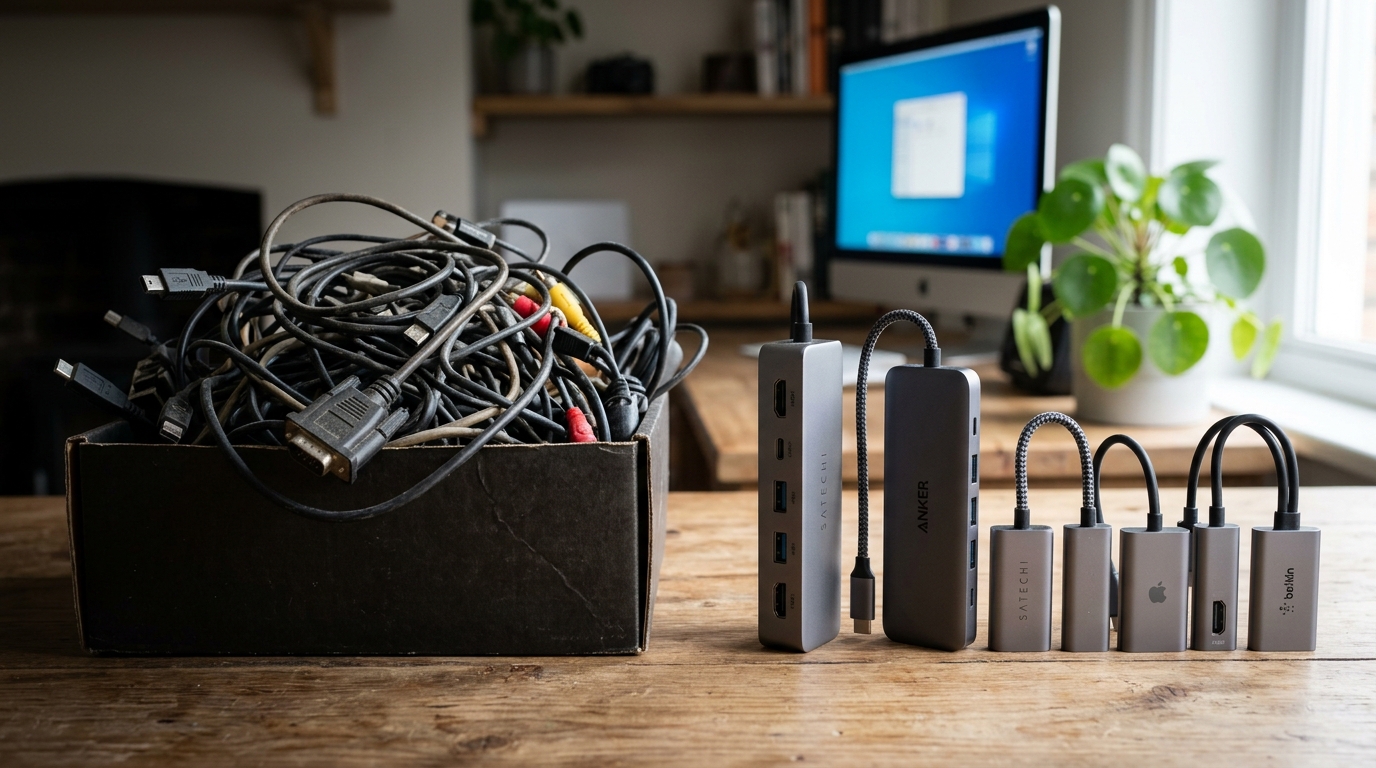
By 2026, the technology ecosystem has firmly established a new baseline, making it crucial to identify the essential USB adapters you actually need to retain. While the original promise of the “Universal Serial Bus” suggested seamless integration, the reality of transitioning Hardware & Silicon architectures means adapters remain an absolute necessity. USB-C has become the universal standard for smartphones, tablets, and modern laptops. However, a significant architectural bridge is still required to connect this modern standard with legacy USB-A peripherals, which continue to dominate the landscape of mice, keyboards, and older external storage drives.
From an engineering perspective, not all adapters are created equal. Outdated adapters rated for USB 1.0 or 2.0 act as severe bottlenecks for modern hardware, crippling data transfer speeds and rendering them completely useless for tasks involving modern flash drives or solid-state drives. Furthermore, the physical build quality of these connectors is paramount. Unmarked mystery adapters and the absolute cheapest marketplace options typically lack proper internal shielding and consistent data speeds. Using these sub-par or damaged adapters presents a direct safety risk, potentially causing electrical shorts, port damage, or even severe fire hazards to expensive electronics. Always look for recognized safety markings like CE or UL certification to ensure your connectivity tools meet strict electrical safety standards before plugging them into expensive machines.
Market Impact & Deployment
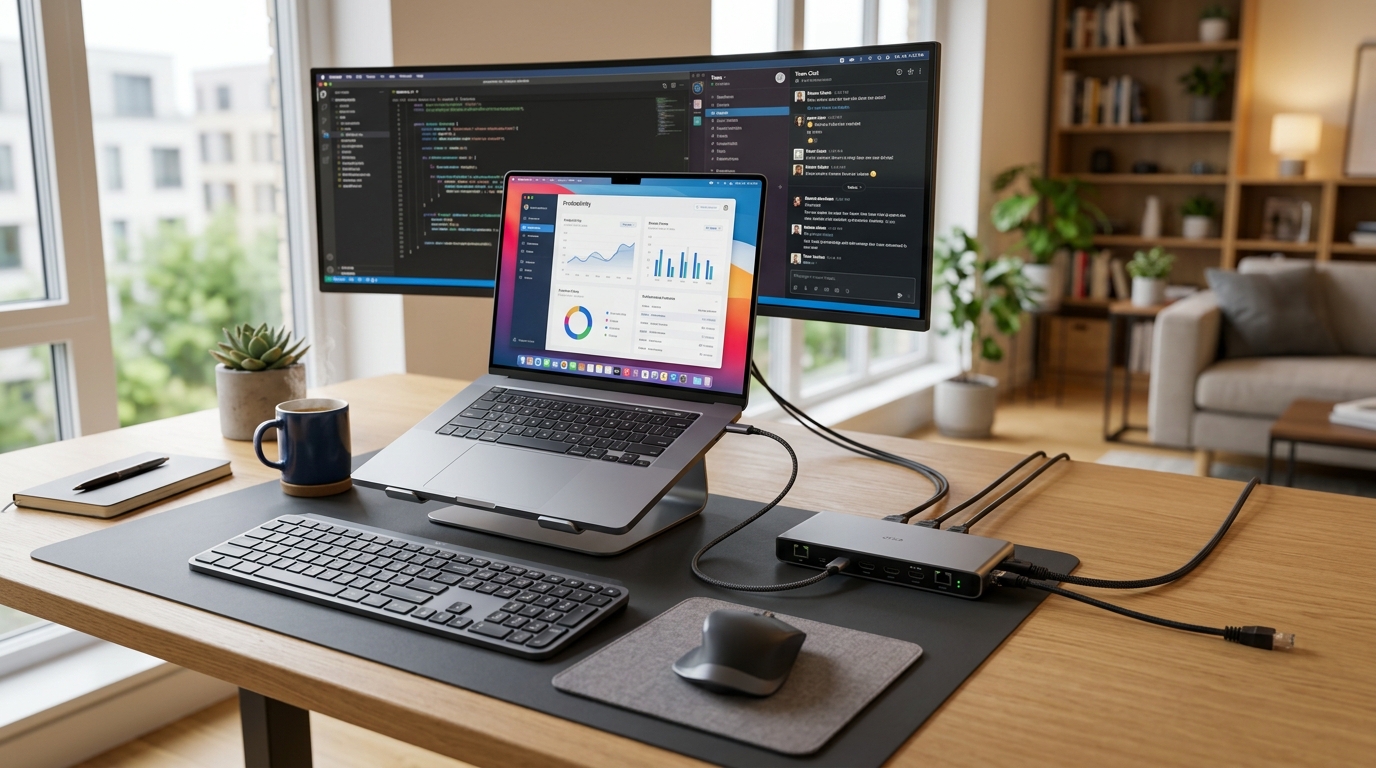
For Enterprise IT and business professionals, optimizing your adapter loadout directly impacts the Total Cost of Ownership (TCO) and operational efficiency across organizations. The transition to remote and hybrid work models has dramatically elevated the importance of robust connectivity. Gigabit USB-C to Ethernet adapters are highly valuable for remote workers who require reliable, low-latency wired internet connections that consumer-grade Wi-Fi routers often struggle to maintain. For purely wireless setups, upgrading a Wi-Fi adapter requires ensuring it matches your router’s maximum capability, such as Wi-Fi 6 or Wi-Fi 7, and preferring models with external antennas for superior range and signal stability.
Instead of managing a disorganized fleet of single-use dongles, modern universal USB-C or Thunderbolt docking stations provide power, data, and display connectivity through a single cable, completely replacing multiple separate adapters. High-quality multiport hubs can safely manage high-speed data transfer and power delivery without overheating. For localized desk setups, prioritizing USB hubs with individual power switches allows users to easily disconnect webcams or external drives for privacy without physically unplugging them, thereby reducing wear and tear on the ports. Furthermore, equipping traveling professionals with GaN (Gallium Nitride) wall adapters ensures they can leverage high-wattage USB-C Power Delivery in an incredibly small, thermally efficient form factor that easily fits in a carry-on bag.
The Consumer Translation
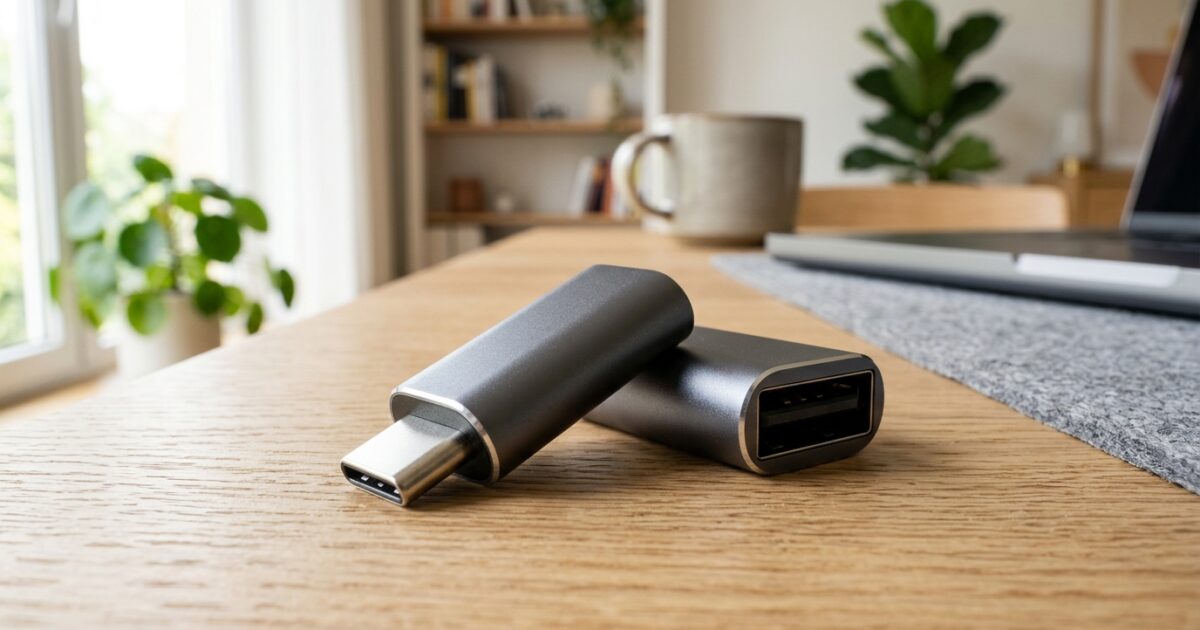
For the average Consumer Tech user, this massive technological shift translates to a highly practical mandate: it is finally time to ruthlessly declutter your dusty cable box. You can safely recycle old legacy connectors if you no longer own the specific devices that use them. Adapters for deeply obsolete tech—like serial ports, parallel ports, PS/2 interfaces, Mini-USB, and legacy wireless dongles—should be cleared out immediately. However, keeping at least two USB-C to USB-A adapters on hand is strongly recommended to ensure you are never caught unable to access an older flash drive or connect a legacy peripheral to a newly purchased laptop.
Mobile device users also face specific transitional challenges. Retaining Lightning-to-USB-C adapters remains important if you own older Apple devices, such as pre-2023 iPhones or iPads, allowing you to seamlessly bridge older hardware with modern USB-C charging bricks and cables. Additionally, as the standard 3.5mm headphone jack has been almost entirely eradicated from modern smartphones and tablets, USB-C to 3.5mm split adapters are crucial. These specialized splitters allow you to charge your device and listen to high-fidelity wired audio simultaneously, solving one of the most common and frustrating consumer pain points introduced by the universal transition to USB-C ports.
Frequently Asked Questions
Q1: Which USB adapters are completely obsolete in 2026?
A1: Adapters for serial, parallel, PS/2, Mini-USB, and most Micro-USB connectors are obsolete. You should clear them out unless you maintain specific legacy hobbyist devices.
Q2: Is it safe to use cheap, unmarked USB adapters?
A2: No. Unmarked mystery adapters or the absolute cheapest options on marketplaces lack proper shielding and can pose a fire hazard or damage sensitive electronics.
Q3: Do I still need USB-A adapters if all my new devices are USB-C?
A3: Yes, keeping at least two USB-C to USB-A adapters is strongly recommended for connecting legacy peripherals like flash drives, older mice, and keyboards.
Q4: What is the best adapter for a reliable remote work connection?
A4: Gigabit USB-C to Ethernet adapters are highly valuable for remote workers, ensuring a stable, high-speed wired internet connection.
Q5: Can old USB adapters slow down my modern devices?
A5: Yes. Outdated adapters rated for USB 1.0 or 2.0 act as severe bottlenecks for modern hardware and should not be used for data transfers.
TechNode HQ Verdict: Pros, Cons & Usability
- Pro (Engineering): Modern Thunderbolt and USB-C docking stations consolidate power, high-bandwidth data, and multi-display outputs into a single, highly efficient connection point.
- Pro (Consumer): Decluttering obsolete cables and adopting modern GaN wall adapters dramatically simplifies travel and home tech organization.
- Con: The market remains flooded with cheap, uncertified mystery adapters that present severe fire hazards and risk destroying expensive host devices.
- Con: Navigating USB speed standards (differentiating USB 2.0 from USB 3.2 or USB4) remains confusing for end-users, leading to accidental data bottlenecks.
Enterprise Usability: IT departments should standardize on high-quality, certified multiport hubs, GaN chargers, and Gigabit Ethernet adapters to maximize remote worker uptime and minimize hardware replacement costs.
Everyday Usability: Consumers should aggressively recycle obsolete legacy cables, keeping only verified USB-C to USB-A adapters, split audio adapters, and necessary Lightning connectors to maintain seamless cross-device interoperability.