Key takeaways
-
- MuJoCo Warp (MJWarp) migrates standard MJCF robot models directly to NVIDIA GPUs, prioritizing aggregate throughput across thousands of parallel environments over single-world latency.
- Setting the physics timestep to match controller frame rates and physics substeps before model compilation is mandatory to prevent temporal drift and skewed benchmarks.
- Contact and constraint capacities (nconmax and njmax) must be sized against peak physical contact points to avoid invalidating simulation rollouts through silent buffer overflows.
- CUDA Graph capture combined with device-resident PyTorch or JAX buffers removes repetitive CPU dispatch overhead and prevents PCIe transfer bottlenecks during training.
Executing high-throughput MuJoCo Warp simulation workloads allows robotics teams to scale standard robot models to thousands of parallel GPU environments without rewriting underlying physics definitions. By compiling MuJoCo XML (MJCF) descriptions into GPU-native CUDA kernels via NVIDIA Warp, developers can advance thousands of independent environments simultaneously. This transition accelerates reinforcement learning and sample collection by eliminating the CPU-to-GPU data transfer bottleneck that traditionally limits multi-core CPU physics engines.
Shifting from single-world latency to GPU throughput
Robotic simulation workloads fall into two distinct execution regimes: single-world latency and aggregate throughput. Classical MuJoCo on CPU architectures is optimized for single-world latency. It advances an individual environment as quickly as possible, making it the appropriate choice for hardware teleoperation, real-time model predictive control (MPC), and interactive trajectory inspection. In that operational mode, per-step wall-clock time determines whether control loops meet hard real-time deadlines.
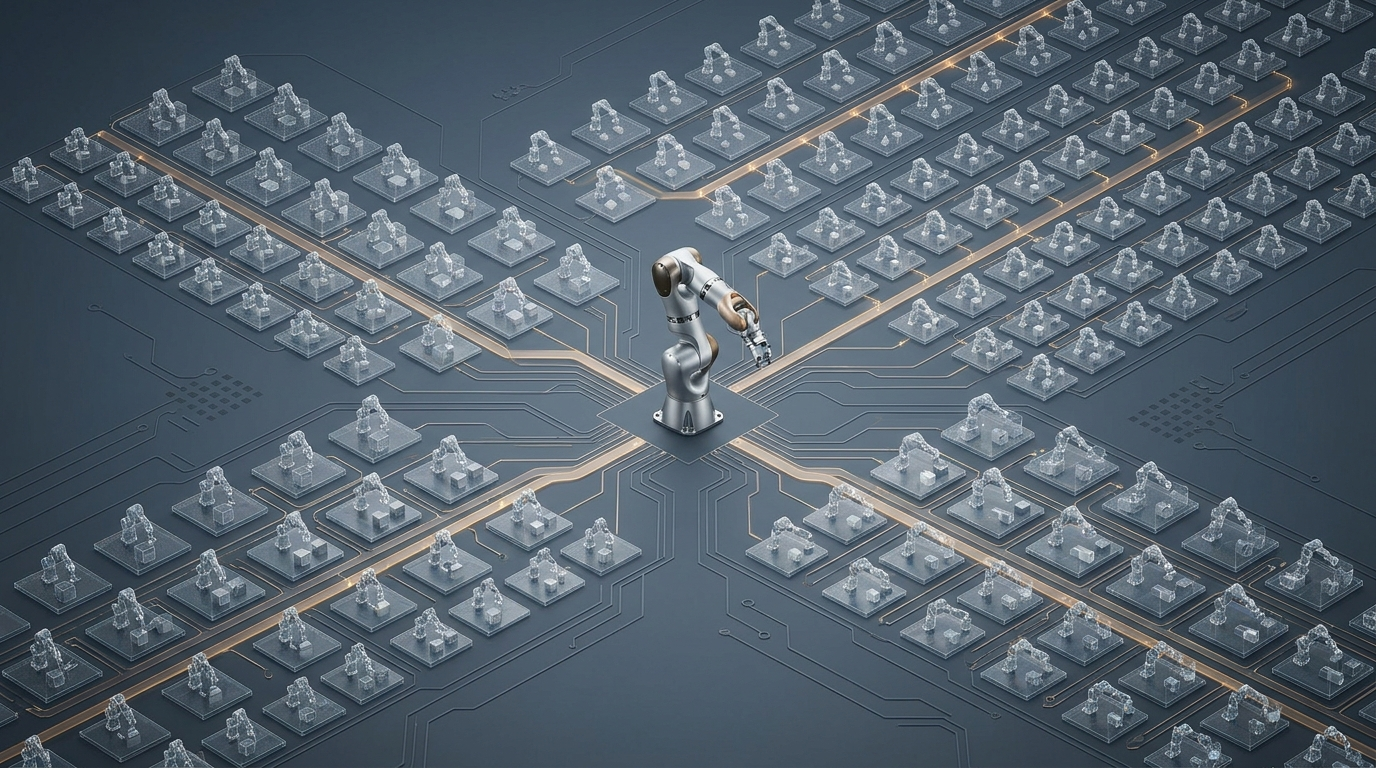
Conversely, physical AI and reinforcement learning pipelines depend on aggregate throughput, defined as the total number of world-steps evaluated per wall-clock second. When training policy networks, advancing a single arm by one millisecond has limited utility if the training algorithm requires billions of state transitions to converge. A GPU-accelerated engine like MuJoCo Warp (MJWarp) advances an entire batch of hundreds or thousands of independent worlds in a single step call. Even if one GPU step takes longer in wall-clock time than one CPU step, evaluating 2,048 environments concurrently yields an order-of-magnitude increase in aggregate sample generation.
Prerequisites and the physical AI software stack
Deploying MJWarp requires understanding how different software layers cooperate to execute simulation code on NVIDIA hardware. The migration relies on Python 3.12, Warp (version 1.15 or newer to leverage deterministic kernel execution options), and the mujoco-warp package. The underlying components form a layered stack:
| Layer | Software Component | Core Responsibility |
|---|---|---|
| Kernel Language | NVIDIA Warp (warp-lang) |
Statically typed Python dialect JIT-compiled into native CUDA kernels, providing autodiff, spatial math, and DLPack sharing. |
| Physics Solver | MuJoCo Warp (mujoco-warp) |
MuJoCo physics implementation executing entirely on Warp; maintains identical MJCF model semantics across batched GPU states. |
| Scene & Task | MuJoCo Menagerie / Robot Studio | Robot kinematics, actuator limits, meshes, and collision geometry for manipulators such as the open-source SO-101 arm. |
| Learning Layer | mjlab / Newton / Isaac Lab | Task abstractions, observation buffers, reward shaping, multi-physics solvers, and PyTorch/JAX policy training loops. |
When selecting a simulator backend, teams should match their workload requirements to the appropriate tooling:
- Single-robot teleoperation or MPC: Standard MuJoCo on CPU.
- Maximum raw throughput for MJCF models: MuJoCo Warp directly or via
mjlab. - JAX-native policy workflows: MuJoCo Playground with MJX (using the Warp backend).
- Multi-solver, USD scenes, and complex sensor pipelines: Newton or NVIDIA Isaac Lab.
Establishing the MuJoCo CPU baseline and control rates
Before moving code to the GPU, developers must establish an exact ground-truth trajectory using CPU MuJoCo. In robotics simulation, policy actions run at a controller frequency (typically 50 Hz to 100 Hz), while the numerical integrator runs at a much higher frequency (such as 500 Hz to 1000 Hz) to maintain contact stability.
A critical integration error is leaving the physics timestep unconfigured before uploading the model to the GPU. If your controller runs at 50 frames per second (fps) and requires 10 physics substeps per control frame, you must explicitly set the physics timestep to 0.002 seconds:
import mujoco

mjm = mujoco.MjModel.from_xml_path("scene_pick_place.xml")
mjd = mujoco.MjData(mjm)

fps = 50  # Controller rate (Hz)
sim_substeps = 10  # Physics steps per control frame
frame_dt = 1.0 / fps

# Crucial: set physics timestep to 0.002s prior to device allocation
mjm.opt.timestep = frame_dt / sim_substeps
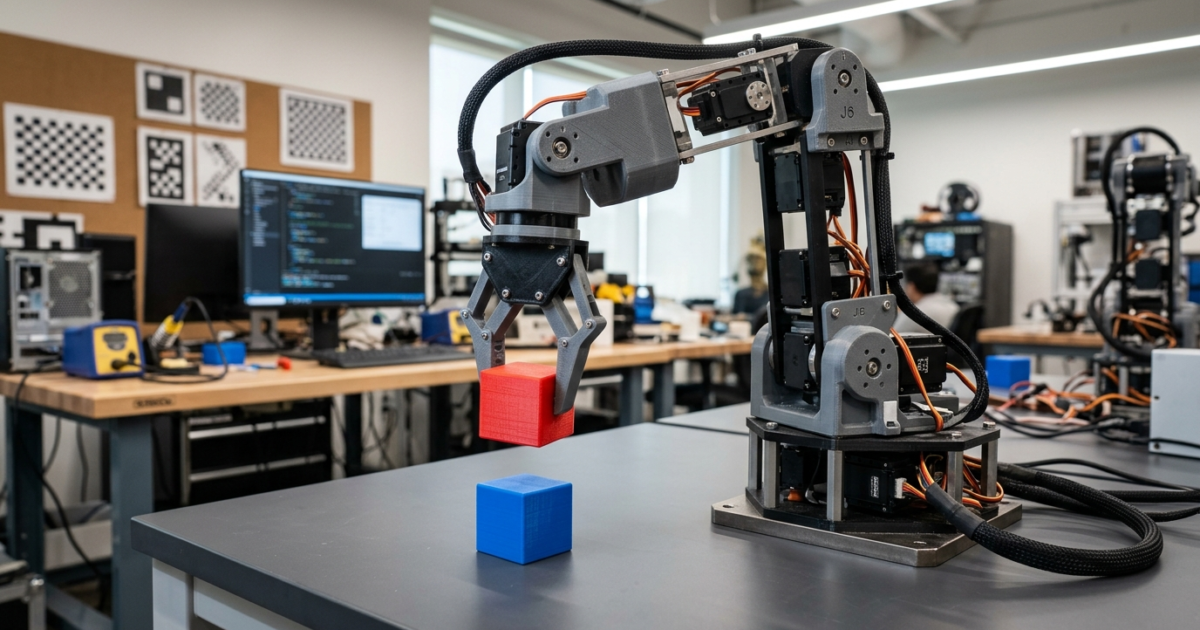
Omitting this explicit definition causes discrepancies between CPU validation and GPU execution, shifts contact compliance, and invalidates throughput metrics reported in simulated seconds. In a reference SO-101 cube-stacking task using 44 mm cubes, success must be verified through geometric assertions rather than relying on clean process termination. Specifically, the stack is valid only when:
- The horizontal center error between the two cubes satisfies
xy_err ≤ 0.015 m. - The vertical separation between cube centers settles within
0.035 m ≤ dz ≤ 0.055 m.
Validating single-environment GPU parity and device data transfer
Once CPU execution consistently passes geometric verification, the next gate tests numerical parity on the GPU using a single environment (nworld=1). At this stage, control logic, inverse kinematics, and verification remain on the CPU host, while physics integration executes on the GPU via MJWarp.
In MJWarp, device-resident arrays feature a leading batch dimension representing the environment index. A host array with shape (nq,) must be indexed as mjd.qpos[None, :] with shape (1, nq) when copied to the GPU. The function mjw.put_model(mjm) creates the GPU model representation and automatically verifies that all model features are supported by MJWarp, raising an immediate error if incompatible elements are found.
import warp as wp
import mujoco_warp as mjw

wp.init()
device = wp.get_device()

# Convert CPU model to Warp device representation
m = mjw.put_model(mjm)
d = mjw.make_data(mjm, nworld=1, nconmax=128, njmax=300)

# Seed initial state from verified CPU data
wp.copy(d.qpos, wp.array(mjd.qpos[None, :], dtype=wp.float32, device=device))
wp.copy(d.qvel, wp.array(mjd.qvel[None, :], dtype=wp.float32, device=device))
wp.copy(d.ctrl, wp.array(mjd.ctrl[None, :], dtype=wp.float32, device=device))
mjw.forward(m, d)
Within the control loop, commands are copied to d.ctrl, physics is stepped via mjw.step(m, d), and state positions are copied back to host arrays. Because calling .numpy() on a Warp array triggers a full device synchronization and PCIe transfer, this loop structure serves solely for parity validation. Furthermore, after updating mjd.qpos and mjd.qvel on the host, developers must invoke mujoco.mj_forward(mjm, mjd) to recompute kinematic transforms and site positions (such as mjd.xpos) before evaluating task success conditions.
Sizing contact and constraint buffers to prevent silent rollouts
A fundamental difference between CPU MuJoCo and GPU-accelerated MJWarp lies in memory allocation. CPU MuJoCo dynamically expands collision and constraint lists as new contact points emerge. On GPUs, high-throughput SIMT execution requires statically allocated memory pools before kernel launch. These allocations are governed by three primary capacity parameters:
nworld: The total count of parallel simulation environments.nconmax: The maximum number of active contact pairs allocated per individual world.naconmax: The global contact ceiling across all environments combined (takes precedence overnconmaxif specified).njmax: The maximum number of scalar constraints (including limits, friction, and contact normals) permitted per world.
Engineers must size these buffers against the most contact-heavy phase of the task. In pick-and-place manipulation, peak contact occurs when the gripper fingers, the target object, and the support surface interact simultaneously, not during free-flight transit. If contacts exceed nconmax, MJWarp does not halt with an unhandled exception by default; instead, it logs a narrowphase overflow warning and sets flags in Data.overflow. Any rollout that experiences an overflow is corrupted and must be discarded. To inspect true resource usage, run the diagnostic utility mjwarp-testspeed --measure_alloc to establish safe buffer baselines without wasting GPU VRAM.
Scaling to 2,048 parallel worlds and CUDA Graph capture
Once parity is verified and buffer capacities are properly bounded, the simulation can be scaled to thousands of parallel worlds. At scale, eliminating all host-to-device transfers per step is mandatory. State observations, reward evaluations, and policy actions must remain entirely resident on the GPU.
Because advancing a single simulation step involves launching multiple consecutive CUDA kernels (broadphase collision, narrowphase contact generation, constraint assembly, and numerical integration), launch latency from Python can quickly become the primary bottleneck. MJWarp addresses this through CUDA Graph capture. Capturing the entire stepping sequence into a static execution graph allows the GPU driver to validate and schedule work once, replaying the complete pipeline with near-zero CPU dispatch overhead:
nworld = 2048
d = mjw.make_data(mjm, nworld=nworld, nconmax=128, njmax=300)

# Replicate initialized state across all 2,048 environments
wp.copy(d.qpos, wp.array(np.tile(mjd.qpos, (nworld, 1)), dtype=wp.float32, device=device))
wp.copy(d.qvel, wp.array(np.tile(mjd.qvel, (nworld, 1)), dtype=wp.float32, device=device))
wp.copy(d.ctrl, wp.array(np.tile(mjd.ctrl, (nworld, 1)), dtype=wp.float32, device=device))
mjw.forward(m, d)

# Capture kernel dispatch sequence into a reusable CUDA Graph
with wp.ScopedCapture() as capture:
    mjw.step(m, d)
step_graph = capture.graph
When benchmarking performance at batch scale, common measurement mistakes can produce misleading metrics. Because GPU kernel launches are asynchronous, timing standard Python execution measures how fast calls enter the driver queue rather than actual execution time. Accurate benchmarking requires a warm-up phase (replaying 10 to 20 steps to trigger JIT compilation and memory caching), followed by explicit GPU synchronizations immediately before and after the timed loop:
import time

# Warm up JIT caches and GPU clocks
for _ in range(10):
    wp.capture_launch(step_graph)
wp.synchronize()

# Accurately timed benchmark region
t0 = time.perf_counter()
benchmark_steps = 200
for _ in range(benchmark_steps):
    wp.capture_launch(step_graph)
wp.synchronize()  # Block host until all GPU work finishes

elapsed = time.perf_counter() - t0
total_world_steps = benchmark_steps * nworld
throughput = total_world_steps / elapsed
print(f"Throughput: {throughput:,.0f} world-steps/second")
Implementation checklist
Robotics engineering teams migrating simulation pipelines from CPU MuJoCo to GPU-accelerated MJWarp should verify each step against this operational checklist:
- Synchronize Simulation and Control Frequencies: Compute
mjm.opt.timestep = (1.0 / controller_fps) / sim_substepsand assign it to the CPU model before uploading to the GPU. - Validate Mechanical Parity in Single-World Mode: Confirm that the GPU simulation matches CPU end-effector trajectories and passes task-specific physical threshold tests (e.g., cube horizontal error ≤ 0.015 m).
- Size Constraint Capacity for Worst-Case Scenarios: Use
mjwarp-testspeed --measure_allocto inspect actual contact allocations during multi-body grasp phases; setnconmaxandnjmaxabove peak requirements. - Monitor Overflow Flags: Inspect
Data.overflowprogrammatically following benchmark or training runs to ensure no environments exceeded memory boundaries. - Eliminate Host-Device Transfers in the Inner Loop: Transition control policies and observations to device-resident PyTorch or JAX tensors using DLPack sharing, avoiding
.numpy()calls during production rollouts. - Employ CUDA Graph Capture: Wrap batched stepping routines in
wp.ScopedCapture()to remove Python kernel dispatch latency. - Enforce Explicit GPU Synchronization During Benchmarking: Place
wp.synchronize()directly before and after the timed step block to measure hardware execution rather than driver queuing speed.
Sources
- How to Use NVIDIA Warp and MjWarp to Accelerate Robotics Simulation and Learning Workflows
- NVIDIA/warp: A Python framework for high-performance GPU simulation and graphics
- google-deepmind/mujoco_warp
- MuJoCo Warp Documentation
- NVIDIA Warp Documentation
- mjlab: A Lightweight Framework for GPU-Accelerated Robot Learning
- newton-physics/newton: An open-source physics simulation engine