Key takeaways
- Tauri v2 strictly enforces target triple suffix conventions for dynamic cross-platform binary bundling.
- Security defaults in Tauri block dangerous shell commands, requiring explicit JSON permission declarations.
- Exponential backoff during sidecar spawning prevents UI freezing and masks temporary network initialization failures.
Tauri Sidecar Architecture: The Architectural Reality
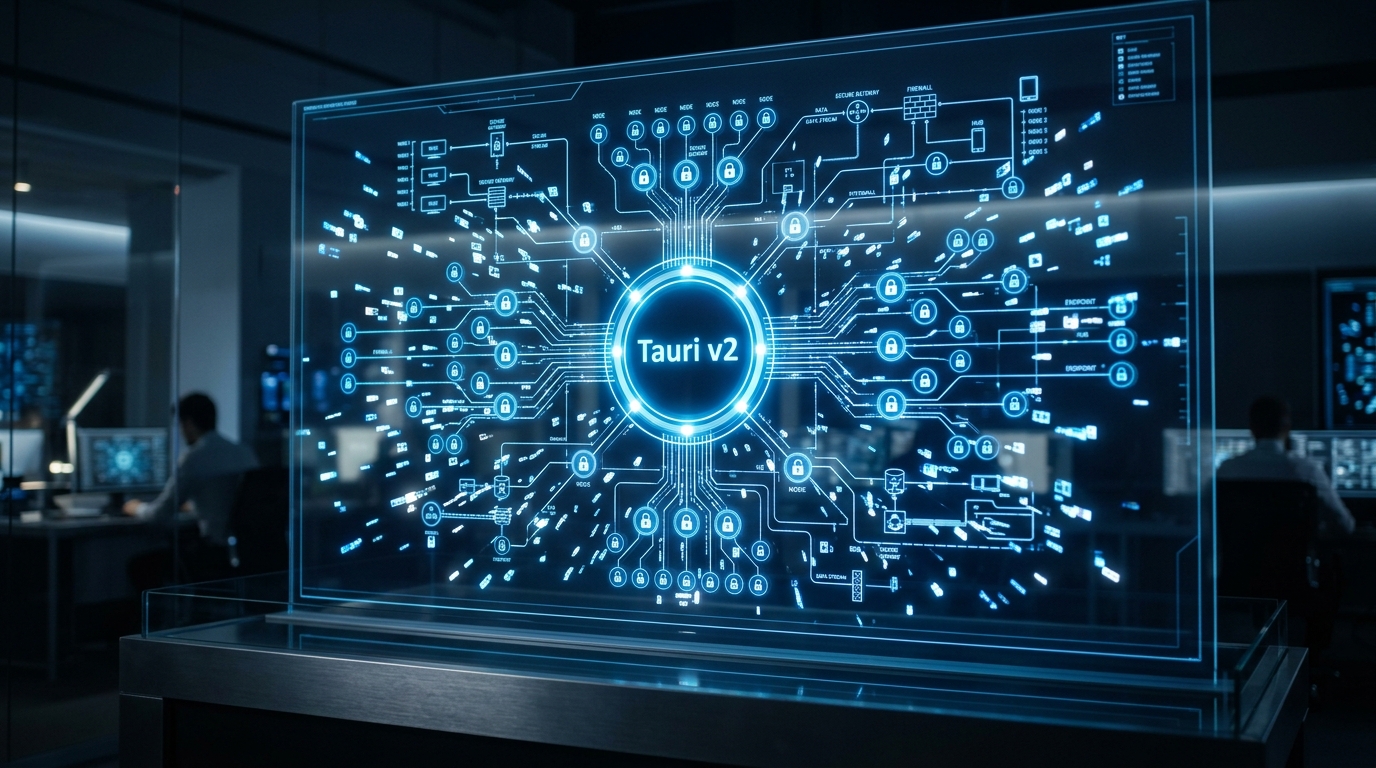
When engineering native-feeling desktop applications, developers eventually hit a major bottleneck: how to efficiently manage heavy background processes without bloating the application bundle. This is where Tauri Sidecar Architecture shifts the paradigm. Unlike traditional Electron applications that rely on resource-heavy NodeJS instances to bridge the gap between the frontend and the operating system, Tauri v2 utilizes a strict sidecar pattern to orchestrate external CLI binaries directly from a lightweight Rust backend. Whether you are embedding FFmpeg for intensive video processing, a local database engine, or a reverse-proxy client like frpc, bundling a CLI binary requires strict adherence to target triple naming conventions and permission constraints.
According to verified documentation, Tauri requires sidecar binaries to be named using a specific pattern—binary-name-${target-triple} (e.g., my-cli-x86_64-pc-windows-msvc.exe)—to ensure the correct version is bundled for each specific architecture. Developers can easily identify their host’s target triple by running rustc -Vv | grep host in their terminal. Once the binaries are appropriately named, they must be explicitly declared within the src-tauri/tauri.conf.json file using the externalBin array. During the build process, Tauri will automatically look for the file with the appropriate target triple suffix at that path, seamlessly preparing it for deployment across diverse Hardware & Silicon environments.
Executing the bundled sidecar is an equally stringent process designed to prevent malicious command execution. To execute the sidecar in Tauri v2, you must use the Tauri shell plugin. You begin by adding the shell plugin to your project using npm install @tauri-apps/plugin-shell or cargo add tauri-plugin-shell. From there, you must ensure the shell plugin is properly initialized in your Rust code using tauri_plugin_shell::init(). The actual execution relies on the Command::new_sidecar function in your Rust code, which safely spawns the bundled CLI binary. In your frontend or Rust code, you can also invoke the sidecar using the shell plugin’s command API, such as Command.sidecar(). This highly opinionated workflow ensures that OS-level process management is strictly bound to Tauri’s internal safety rails.
Market Impact & Deployment Challenges

For C-suite executives, product managers, and technical leads operating within Enterprise IT, this decoupling offers massive Total Cost of Ownership (TCO) reductions. UI teams can rapidly iterate on React, Vue, or Svelte frontends while systems engineers simultaneously optimize the underlying Rust, Go, or C++ binaries. However, this immense power introduces complex deployment challenges and strict security hurdles. Tauri blocks all potentially dangerous shell commands by default for security reasons. Consequently, developers must modify src-tauri/capabilities/default.json and add a precise permission entry to the permissions array to allow your sidecar to execute.
The name field in the permission must match the relative path or name defined in your externalBin configuration. If your binary requires flexible runtime arguments, setting args: true allows the sidecar to be executed with any arguments. Alternatively, you can restrict it with an array of specific arguments for stricter security. Ensure your capabilities configuration grants the necessary permissions for the shell plugin to execute the specific sidecar binary. For enterprise applications dealing with sensitive Networking & Cloud operations, this granular, whitelist-based permission system is an absolute necessity to pass enterprise security audits.
Furthermore, the reality of shipping software to millions of end-users often reveals edge cases involving dependencies and auto-updaters. If your sidecar has external dependencies like DLLs or support files, consider placing those files in a resources directory in your tauri.conf.json. Moreover, deployment on Windows systems using NSIS installers presents a unique hazard: sidecars may not always be overwritten during an update if the filename remains identical. This necessitates creative atomic swap mechanisms in Rust—such as downloading the new binary to a temporary path, verifying its SHA256 checksum, killing the active process, and renaming the old binary to a .old extension before replacing it. This guarantees that users are never left with a corrupted, half-written executable if their system crashes during an update.
The Consumer Translation
To the average user, these architectural intricacies are entirely invisible, but their lifestyle impacts are profound. The shift away from memory-hogging legacy frameworks means that consumers can run complex desktop applications on older laptops without their cooling fans spinning out of control or their batteries draining in an hour. When an application silently updates its internal CLI tools—bypassing the need for a massive, full-application reinstall—it creates an incredibly frictionless and reliable user experience.
Think of it like a commercial airliner. The passengers sitting in the main cabin (the User Interface) enjoy a smooth, beautiful ride, completely unaware of the massive, specialized jet engines (the Sidecars) continuously processing thousands of environmental variables a second. When an engine needs a minor software calibration or localized maintenance, it happens dynamically, without forcing the passengers to disembark or disrupting their in-flight movie. The UI remains perfectly responsive while the heavy lifting happens out of sight.
However, an overly optimistic UI can betray consumer trust. If a desktop application blindly assumes a sidecar successfully launched merely because the OS acknowledged the spawn command, the application might display a fake “Connected” or “Ready” state while the underlying binary immediately crashes due to a bad configuration or a blocked network port. Implementing exponential backoff logic—polling the sidecar’s API or reading its stdout stream at 3, 6, 12, and 24-second intervals—ensures the UI accurately reflects reality. If the sidecar fails, the UI gracefully downgrades to an error state, saving users from endless frustration and phantom errors.
Frequently Asked Questions
Q1: What is the correct naming convention for Tauri sidecar binaries?
A1: The binary must be named using the pattern binary-name-${target-triple}, such as my-cli-x86_64-pc-windows-msvc.exe. Tauri automatically strips this suffix at runtime to load the correct version.
Q2: How do you execute a sidecar binary in Tauri v2?
A2: You must use the @tauri-apps/plugin-shell plugin and invoke Command::new_sidecar in your Rust code. The plugin handles the OS-level process spawning securely.
Q3: Why might a sidecar binary fail to execute after deployment?
A3: Tauri blocks dangerous shell commands by default for security; you must grant explicit permissions in the capabilities JSON file. Additionally, Windows NSIS updaters may not overwrite identical filenames during updates.
TechNode HQ Verdict: Pros, Cons & Usability
- Pro (Engineering): Total architectural decoupling allows backend and frontend teams to scale independently, mixing languages like Rust, Go, and TypeScript seamlessly.
- Pro (Consumer): Drastically reduced memory footprints and seamless, atomic background updates without requiring full-app reinstalls.
- Con: Managing macOS code signing, Windows NSIS caching issues, and antivirus heuristics adds significant DevOps overhead to the deployment pipeline.
- Con: Over-reliance on exponential backoff polling can mask severe network initialization bugs if logs aren’t heavily monitored.
Enterprise Usability: CTOs should aggressively adopt Tauri sidecars for internal tooling and enterprise desktop apps, provided they have dedicated DevSecOps resources to handle the strict capability JSONs, cross-platform binary signing, and automated SHA256 verification systems.
Everyday Usability: Consumers should actively seek out applications built on this stack; the performance gains over legacy Electron wrappers are immediately noticeable, extending battery life and improving overall system responsiveness.